How to Write a LinkedIn Hook That Stops the Scroll (With 15 Examples)
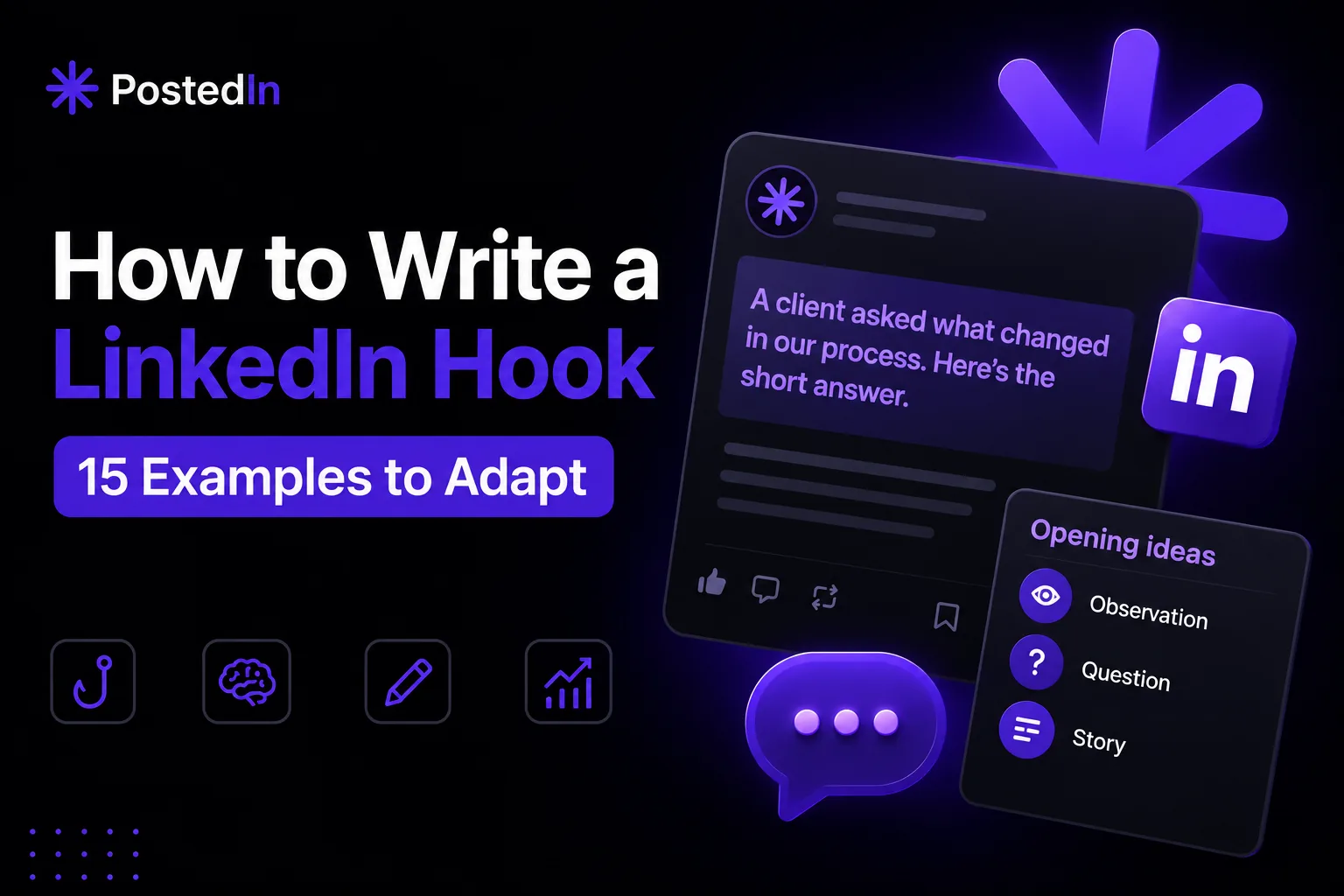
LinkedIn may collapse longer posts behind “see more,” so the opening lines carry a lot of weight. They should give readers a clear reason to continue. A clear opening helps readers decide whether the post is relevant to them. The rest of the post still has to deliver on it. This guide breaks down what makes a hook work, the most reliable hook formats, and 15 examples you can adapt for your own posts.
What Makes a Hook Work
Before getting into formats, it helps to understand what a hook is actually doing. A good hook does one (or more) of these things:
- Creates curiosity – it raises a question in the reader's mind that they want answered
- Signals relevance – it makes clear, immediately, who this post is for
- Promises value – it implies the reader will learn, gain, or avoid something by reading on
- Triggers an emotional reaction – surprise, disagreement, recognition, or curiosity
Most hooks that don't work fail because they're vague, generic, or take too long to get to the point. "I've been thinking a lot about leadership lately..." doesn't do any of the above — it's an opening line, not a hook.
Formatting Matters as Much as Wording
Before getting into specific hook formats, it's worth noting: how a hook looks affects whether people read it.
- Keep your first line short. A short first line can be easier to scan than a dense paragraph.
- Use line breaks where they help. Separate the opening from the example, but keep related sentences together.
- Lead with the point. Give the reader a reason to continue before a long setup.
With that in mind, here are 15 formats with illustrative examples. Replace the situations with your own facts before publishing.
1. The Contrarian Statement
Challenge a commonly held belief in your field. This works because it immediately signals disagreement, which makes people curious about your reasoning.
"I stopped starting client reports with the dashboard. I start with the decision we need to make."
2. The Specific Number
Numbers feel concrete and credible, and they create curiosity about the story behind them.
"Three questions helped me see why our onboarding instructions were unclear."
3. The Confession
Admitting a mistake or struggle is disarming — it signals honesty and makes the post feel less like a pitch.
"I used to hide the messy first draft. Sharing it with my team improved the final version."
4. The Direct Question
A question aimed squarely at your audience makes the post feel personally relevant — like it's addressed to them specifically.
"What would you check before choosing a channel for a new campaign?"
5. The Unexpected Result
Sharing a result that goes against expectations creates an immediate "wait, how?" reaction.
"We removed a step from onboarding. Here is the question that led us to it."
6. The Short, Bold Statement
Sometimes the simplest approach works best — a short, confident claim with no hedging.
"A good brief starts with the problem, not the deliverables."
7. The "I Used to Think..." Reversal
This format works well for sharing a change in perspective, which naturally sets up a "here's what I learned" structure.
"I used to think every hiring interview needed the same questions. Now I start with the role's actual challenges."
8. The Behind-the-Scenes Reveal
People are curious about what goes on behind a polished result or decision. This hook promises a look "inside."
"The day before launch, we found one sentence in the signup flow that no one understood."
9. The Relatable Frustration
Naming a frustration your audience feels creates immediate recognition — "yes, that's exactly my problem."
"You have a useful lesson from work, but the blank LinkedIn editor makes it hard to start."
10. The List Preview
Telling people exactly what they're about to get sets clear expectations and makes the post feel useful and skimmable.
"Five questions I ask before starting a client project, and why each changes the scope."
11. The Time-Based Story
Framing a post around a specific moment in time creates a narrative hook — people want to know what happened next.
"Last year I changed how I prepare for client calls. One question made the biggest difference."
12. The Myth vs. Reality
This format sets up a clear contrast, which makes the structure of the post obvious and easy to follow.
"What a content calendar looks like on paper, and what I actually use during a busy week."
13. The Direct Address to a Specific Audience
Calling out exactly who the post is for filters in the right readers immediately — and makes those readers feel seen.
"If you're a founder writing posts after a full workday, start with the questions customers already ask."
14. The Cost of Inaction
Framing a hook around what happens if someone doesn't act creates urgency without being pushy.
"A follow-up message can be useful without turning into another sales pitch."
15. The Simple Observation
Sometimes the hook is just a sharp, specific observation — no big claim, just something true and slightly unexpected.
"The most useful post I read this week explained a small decision with a clear example."
How to Practice Writing Better Hooks
Hooks get easier with repetition, but a few habits speed up the process:
- Write your hook last. Draft the body of your post first, then go back and write 2-3 different hook options based on what you actually said. The strongest line is often buried in the middle of your draft.
- Read it as the first line of a text message, not an essay. If a friend sent you this as the opening line of a message, would you want to know more?
- Cut anything that delays the point. Phrases like "I've been thinking about this for a while" or "So I wanted to share a quick thought" add length without adding value. Delete them and start with the actual idea.
- Save hooks that work. When a post performs well, note what the hook was and why you think it worked. Over time, you'll build a personal library of formats that resonate with your specific audience.
Hooks Are the Start, Not the Whole Post
A great hook earns attention — but it can't substitute for a post that actually delivers on what it promises. If your hook promises a lesson, a list, or a result, the rest of the post needs to follow through, or readers will feel misled and won't engage with future posts. When you draft a post, spend a few minutes checking whether its opening accurately sets up the point. Our first LinkedIn post guide shows a simple structure for the rest of the text. To test an opening in a complete draft, use the free LinkedIn post generator, then rewrite it to match your real point and evidence.
Final Thoughts
Your opening is worth treating as its own task. It's worth treating it as its own task — not just the first sentence that happens to come out when you start typing. Try a few of the formats above, pay attention to which ones resonate with your specific audience, and over time you'll develop an instinct for what makes someone stop scrolling and start reading.
Related articles
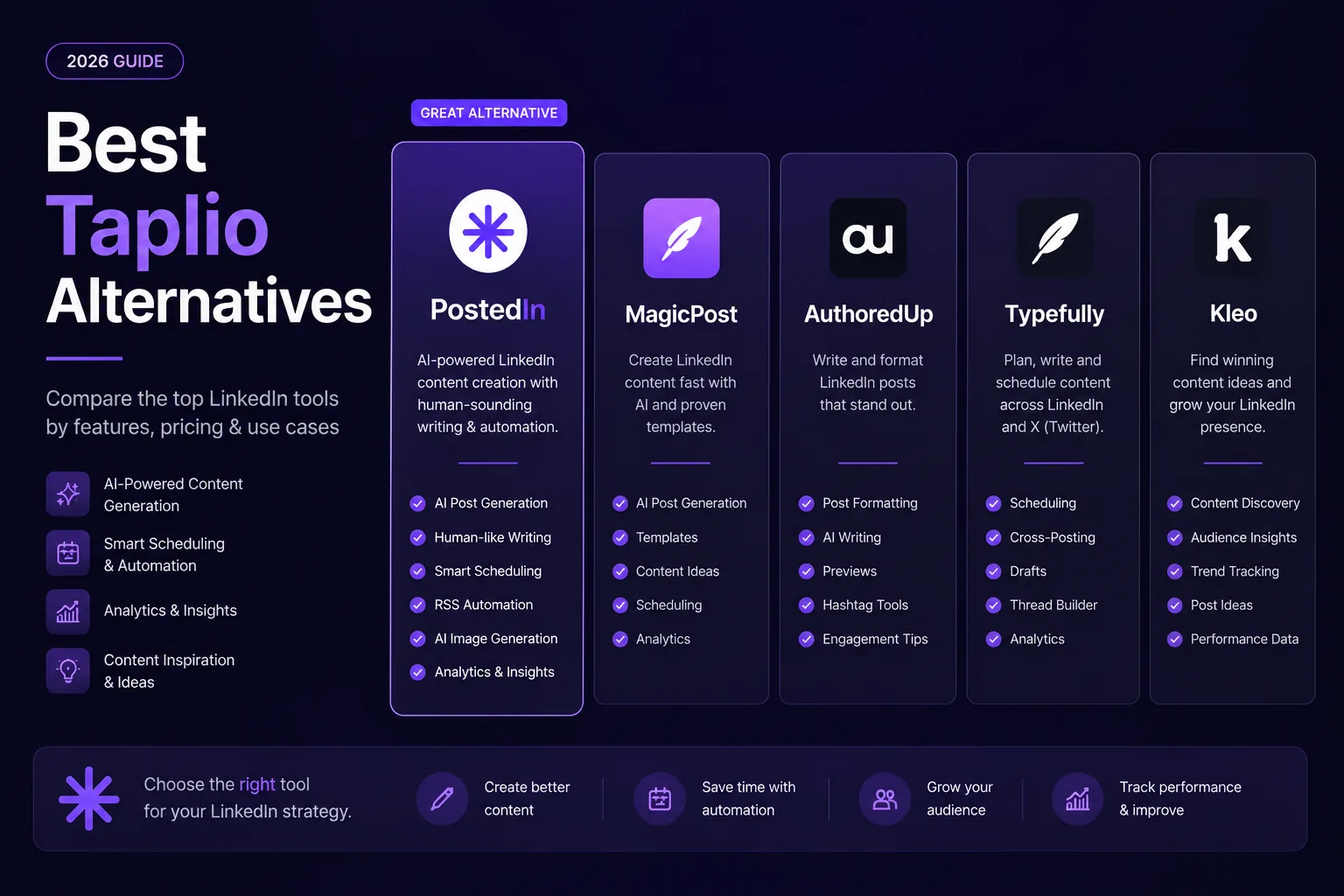
7 Best Taplio Alternatives in 2026: Compare LinkedIn Tools
Looking for a Taplio alternative? Compare seven LinkedIn tools for AI writing, editing, analytics and scheduling, and find a fit f...
MagicPost vs PostedIn: Which LinkedIn AI Tool Is Better in 2026?
Compare MagicPost and PostedIn for LinkedIn AI writing, content ideas, analytics, scheduling and pricing using current product des...
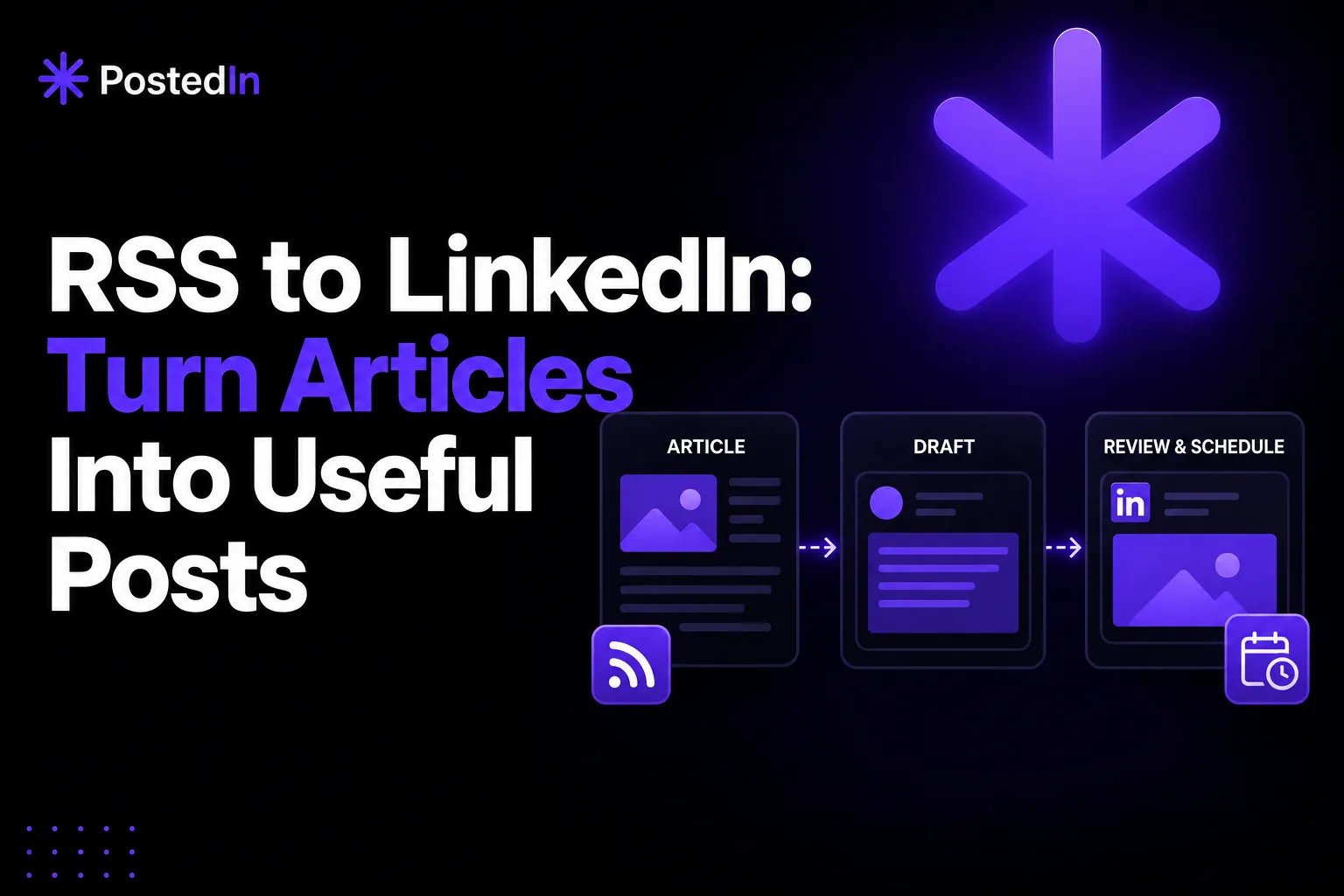
RSS to LinkedIn Automation: Turn Articles Into Useful Posts
A practical RSS-to-LinkedIn workflow: find relevant articles, add your perspective, review claims, and schedule posts—with a befor...