How to Write Your First LinkedIn Post (With Examples)
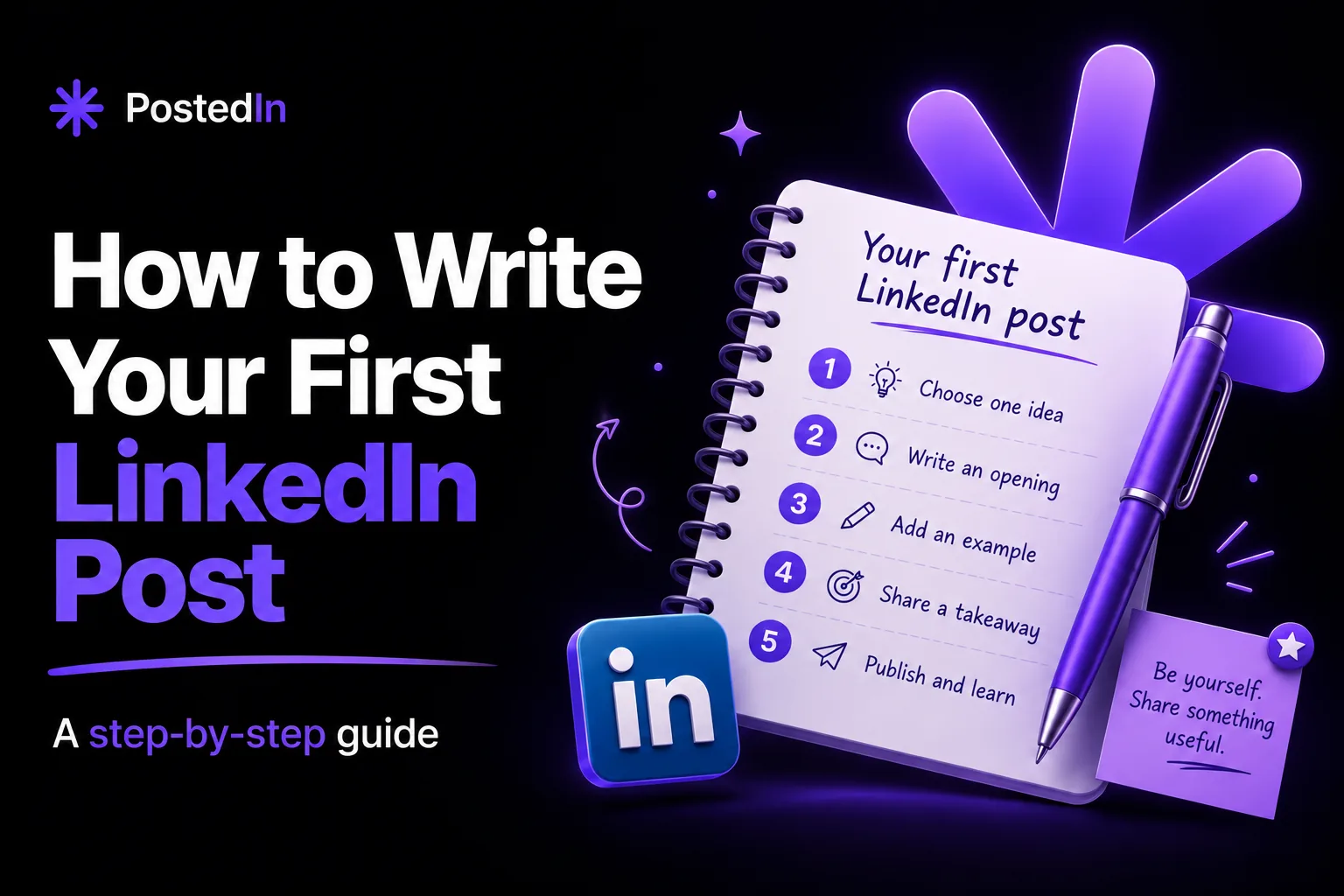
Your first LinkedIn post does not need to introduce your entire career. Pick one useful observation from your work, explain it with a specific example, and publish it. That gives readers a reason to care and gives you a repeatable way to write the next post.
If you are staring at an empty editor, follow the five steps below. You can also copy one of the examples and adapt the details to your own experience.
1. Choose one person and one point
Who should find this useful? A potential client, a peer in your industry, a future colleague, or someone starting out? Then decide what that person should remember after reading.
A broad topic such as “marketing lessons” is hard to write. A smaller point is easier: “The one question I ask before launching a paid campaign.” Your first post needs one idea, not an overview of everything you know.
If you need a topic, start with one of these:
- A mistake you made and what you changed.
- A question a client or colleague asked this week.
- A decision you made on a project and why.
- A misconception people have about your job.
- A small process that saves your team time.
For more options, see 30 LinkedIn post ideas for founders, marketers, and recruiters.
2. Write an opening that makes the point clear
The first lines should tell readers what the post is about and why it might matter to them. You do not need a dramatic claim.
Instead of “I am excited to share some thoughts about reporting,” try “Our marketing report had 20 charts. The client still asked: ‘Is this working?’” The second opening gives the reader a concrete situation.
A few openings you can adapt:
- “I used to [approach]. Then [specific event] changed my mind.”
- “A client asked me [question]. Here is the short answer.”
- “Before we [action], we now check one thing: [criterion].”
Read our LinkedIn hook examples if you want more ways to start.
3. Add context, an example, and a takeaway
A simple structure is enough:
- Opening: State the observation, problem, or result.
- Context: Give the reader just enough background to understand it.
- Example: Show what happened or what you did. Use a real detail you can share.
- Takeaway: Explain what you learned or what the reader can try.
A question at the end is optional. Ask one if you genuinely want different answers; otherwise, finish with the takeaway.
4. Make it easy to read
Use short paragraphs, but keep related sentences together. A list helps when you have several steps. Remove any sentence that repeats the point without adding information.
Read the post aloud before publishing. If it sounds like something you would never say to a colleague, rewrite that sentence. You can add a photo, document, or chart when it helps explain the story. A text-only post is fine too.
5. Publish, then learn from the response
Check names, numbers, and client details before you post. Remove anything you do not have permission to share. Once published, respond to substantive comments and note which questions people ask. Those questions can become your next posts.
Do not judge your first attempt only by reactions. A useful conversation or a message from the right person may be more relevant to your goal.
Three first-post examples to adapt
These are examples, not claims about real campaigns or clients. Replace the situations with details you can stand behind.
Example for a marketer
Our weekly marketing report used to start with a page of channel metrics.
The first question in every meeting was still: “What should we do next?”
Now we open with three lines: what changed, why we think it changed, and the decision we recommend. The charts come after that.
The report became easier to discuss because it starts with the decision, not the dashboard.
Example for a founder
Last month, someone asked for a feature I was sure we needed to build.
Before adding it to the roadmap, I asked what they were trying to accomplish. Their real problem was a step in onboarding we had made confusing.
We changed the onboarding copy first. It was a smaller fix, and it taught me to ask about the job behind a feature request.
Example for a recruiter
One candidate asked what would make their application stand out.
My answer: show me the problem you worked on, the part you owned, and what changed because of your work. A long list of tools gives me less to discuss in an interview.
The same advice applies to LinkedIn profiles: a specific example tells a clearer story than a stack of adjectives.
A first LinkedIn post template
[A specific observation, question, or problem]
[One or two sentences of context]
Here is what happened: [a real example].
We tried [action] because [reason].
The takeaway for me: [one useful conclusion].
Use the template to organize your thinking, then remove any line that feels forced. Your first post does not need an announcement that it is your first post.
Common first-post mistakes
Trying to cover your whole career. One small lesson is easier to follow than a long professional biography.
Writing only general advice. “Be consistent” says little by itself. Show what consistency looks like in your work.
Copying someone else's voice. You can borrow a structure, but use your own examples and words.
Waiting for the perfect draft. Check the facts and make the point clear, then publish. Your next post can be better because you will have learned from this one.
If a blank page is still slowing you down, try the free LinkedIn post generator. Enter one topic and your audience, then edit the draft until it reflects your own experience.
FAQ
Should my first LinkedIn post be an introduction?
It can be, especially if you have a specific reason for introducing yourself. You can also start with a lesson or useful observation without mentioning that you are new to posting.
How long should my first post be?
Long enough to explain one point and give an example. Cut background that readers do not need. There is no length that works for every topic.
Do I need hashtags or an image?
Neither is required to explain an idea. Add an image when it contributes to the story; use a few relevant hashtags if they help label the topic.
What should I do after publishing?
Reply when people add a thoughtful comment or ask a question. Keep a note of follow-up ideas so the next post is easier to write.
Related articles
AI LinkedIn Post Generator for Founders: 3 Prompts and Examples
Use an AI LinkedIn post generator for founders with three practical prompts for customer conversations, product decisions and less...
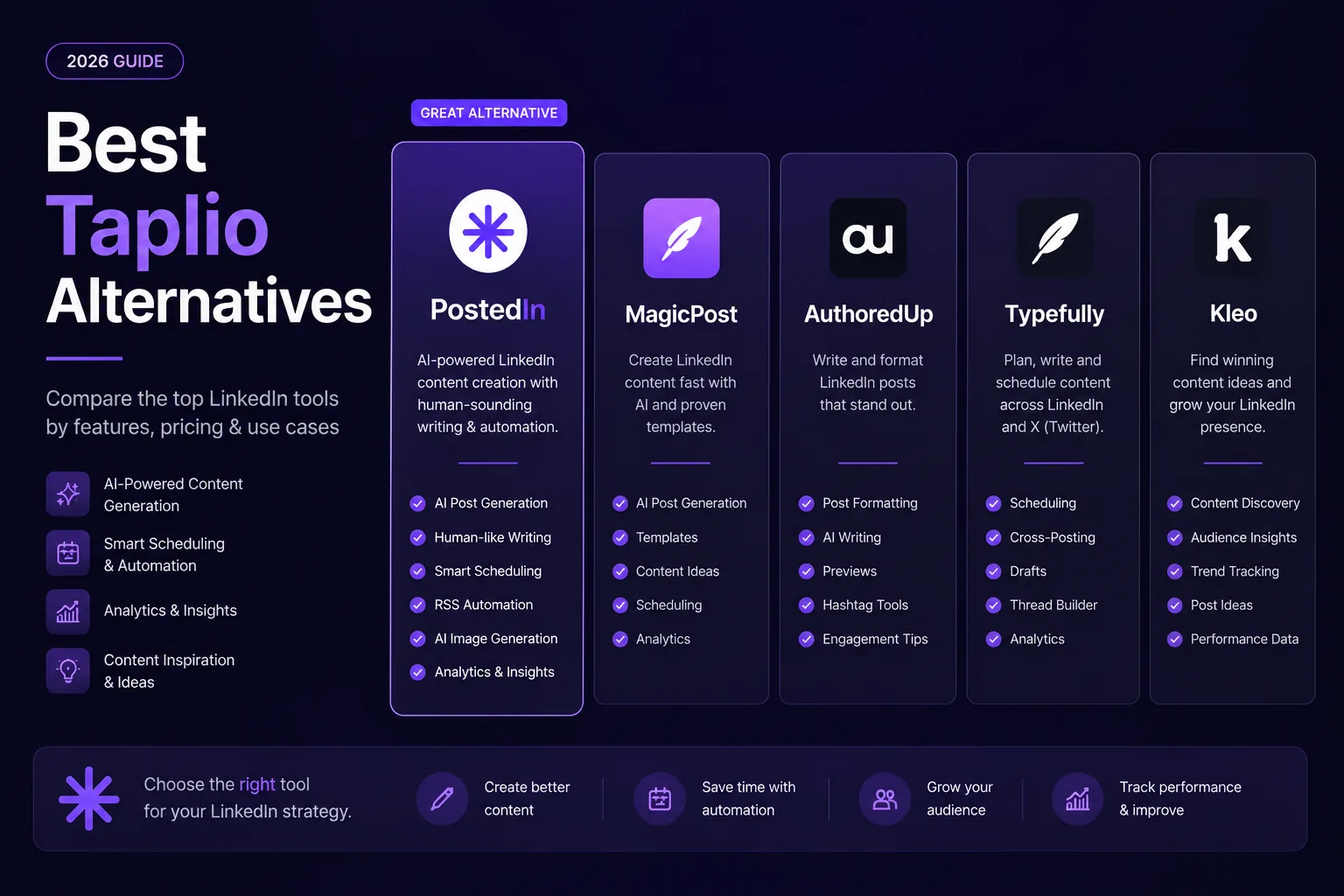
7 Best Taplio Alternatives in 2026: Compare LinkedIn Tools
Looking for a Taplio alternative? Compare seven LinkedIn tools for AI writing, editing, analytics and scheduling, and find a fit f...
10 ChatGPT Prompts for LinkedIn Posts You Can Actually Use
Ten practical ChatGPT prompts for LinkedIn posts, hooks, editing, and content ideas—plus a worked example and a checklist for accu...