10 ChatGPT Prompts for LinkedIn Posts You Can Actually Use
“Write a LinkedIn post about marketing” gives ChatGPT almost nothing to work with. A useful prompt includes your audience, a real situation, the point you want to make, and limits on what the tool may invent.
Below are ten prompts for different stages of writing. Copy one, replace the text in brackets, and check every claim before publishing. The examples are templates; they do not describe real client results.
Before you prompt: collect the raw material
Write down three things first:
- Audience: Who should the post help?
- Evidence: What did you observe, do, or learn? Include only details you can share.
- Takeaway: What should a reader understand or try afterward?
If you do not have evidence yet, ask for questions or angles instead of asking AI to fabricate a story. Our list of 30 LinkedIn post ideas can help you find a topic from your work.
1. Find post ideas in your actual work
I work as [role] for [type of organization]. My audience is [specific readers]. This week I worked on [three tasks or conversations]. Suggest 10 LinkedIn post ideas based only on those details. For each idea, name the useful takeaway and one question I should answer before writing. Do not invent results or client stories.
Use this when you have material but cannot see which part is worth sharing. The follow-up questions reveal gaps before you draft.
2. Turn a client question into a post outline
A client or colleague asked: “[exact question].” My answer was [your answer]. The nuance people often miss is [nuance]. Create an outline for a LinkedIn post: opening, brief context, one concrete example, and takeaway. Keep the language plain. Mark any statement that needs a source or my confirmation.
This works best when the question is specific. Remove private details before pasting a conversation into any AI tool.
3. Draft a post from a real experience
Help me draft a LinkedIn post for [audience] using only these notes: [what happened], [what I did], [what changed], [what I learned]. Write in first person. Keep one main idea. Do not add numbers, quotes, client names, or outcomes that are not in my notes. If information is missing, put a question in brackets instead of guessing.
Review the draft line by line. A fluent paragraph can still contain an invented implication.
4. Create a clear opening
Here is my draft post: [paste draft]. Write five possible openings: one observation, one question, one mistake, one result, and one direct statement. Each must accurately reflect the post. Avoid clickbait and claims the body does not support. Briefly explain which opening best matches the takeaway.
The opening should earn attention by clarifying the point. For more patterns, see our LinkedIn hook examples.
5. Make a post sound more like you
Edit the post below for clarity while preserving my meaning. My voice is [three traits, such as direct, warm, precise]. Here are two sentences I have written myself: [examples]. Keep my real examples and opinions. Remove generic business phrases. Show the changes and explain any sentence where the meaning might have shifted. Draft: [paste post].
Giving examples of your own writing is more useful than asking it to “sound human.” Accept only changes you would say out loud.
6. Shorten a draft without losing the point
Reduce this LinkedIn post by about 25%. Keep the opening, the concrete example, and the takeaway. Remove repeated ideas and unnecessary background. Do not remove caveats that change the meaning. Show the shorter draft and list what you cut. Draft: [paste post].
Compare the result with the original. A shorter post is only better if it stays accurate.
7. Explain a complex topic to a specific reader
I need to explain [concept] to [audience] who already knows [their background]. Here is my explanation: [your explanation]. Rewrite it in plain English with one example from [relevant context]. Do not introduce new facts. List any terms that still need a brief definition.
This is useful for consultants, recruiters, and technical founders who know a topic so well they skip context.
8. Turn an article into a LinkedIn post
Summarize this article for [audience]: [paste text you have permission to use or your own notes]. Identify one idea worth discussing on LinkedIn. Draft a post that adds my perspective: [your observation]. Attribute the original article by [source name and link]. Do not present the article's claims as my own experience, and do not add unsupported facts.
Read the source yourself. If the article makes a factual or statistical claim, check it before repeating it.
9. Plan a small post series
My main topic is [topic] and my audience is [audience]. I have firsthand material on [list]. Suggest a five-post series. Give each post a distinct question, one supporting example from my list, and a possible takeaway. Do not stretch one anecdote into five near-duplicate posts. Flag any post that needs more input from me.
A series can help you publish consistently without turning every update into a complete guide.
10. Review the final draft
Review this LinkedIn post before I publish it: [paste draft]. Check for unclear claims, invented details, unsupported numbers, jargon, repetition, and a mismatch between the opening and the takeaway. Do not rewrite the whole post. Give me a short list of specific edits and questions to resolve.
This is a quality check, not fact verification. You still need to confirm names, figures, permissions, and links yourself.
A worked example: from vague request to usable draft
Vague input: “Write a LinkedIn post about customer onboarding.”
Better input: “I run a small SaaS product. New users asked where to find the first step after signing up. We changed the label of the start button and moved it above the fold. I have not measured the effect yet. Write a short LinkedIn post for other founders about asking what users are trying to do before building another feature. Do not claim that conversion improved.”
The better input contains the situation, audience, action, and a clear limit on claims. The resulting draft can still be improved with your exact words and any data you later collect.
What ChatGPT should do, and what you should do
ChatGPT can help structure notes, suggest openings, shorten drafts, and point out vague language. You supply the experience and decide what is true. A post that sounds polished but describes an event that never happened damages trust.
If you want to test a prompt with a real topic, use the free LinkedIn post generator. Add your own evidence, edit the output, and check it before publishing.
FAQ
What is the best ChatGPT prompt for a LinkedIn post?
The best prompt depends on your task. For a first draft, give the model your audience, real notes, intended takeaway, tone, and a rule against inventing facts. Prompt 3 above is a starting point.
Can ChatGPT write a LinkedIn post for me?
It can draft text from your notes. You remain responsible for the facts, examples, and final wording. If you provide only a broad topic, expect a broad result.
Should I use the first generated draft?
Read it critically. Check every factual claim, replace generic language with your perspective, and remove any detail you did not supply or verify.
Related articles
AI LinkedIn Post Generator for Founders: 3 Prompts and Examples
Use an AI LinkedIn post generator for founders with three practical prompts for customer conversations, product decisions and less...
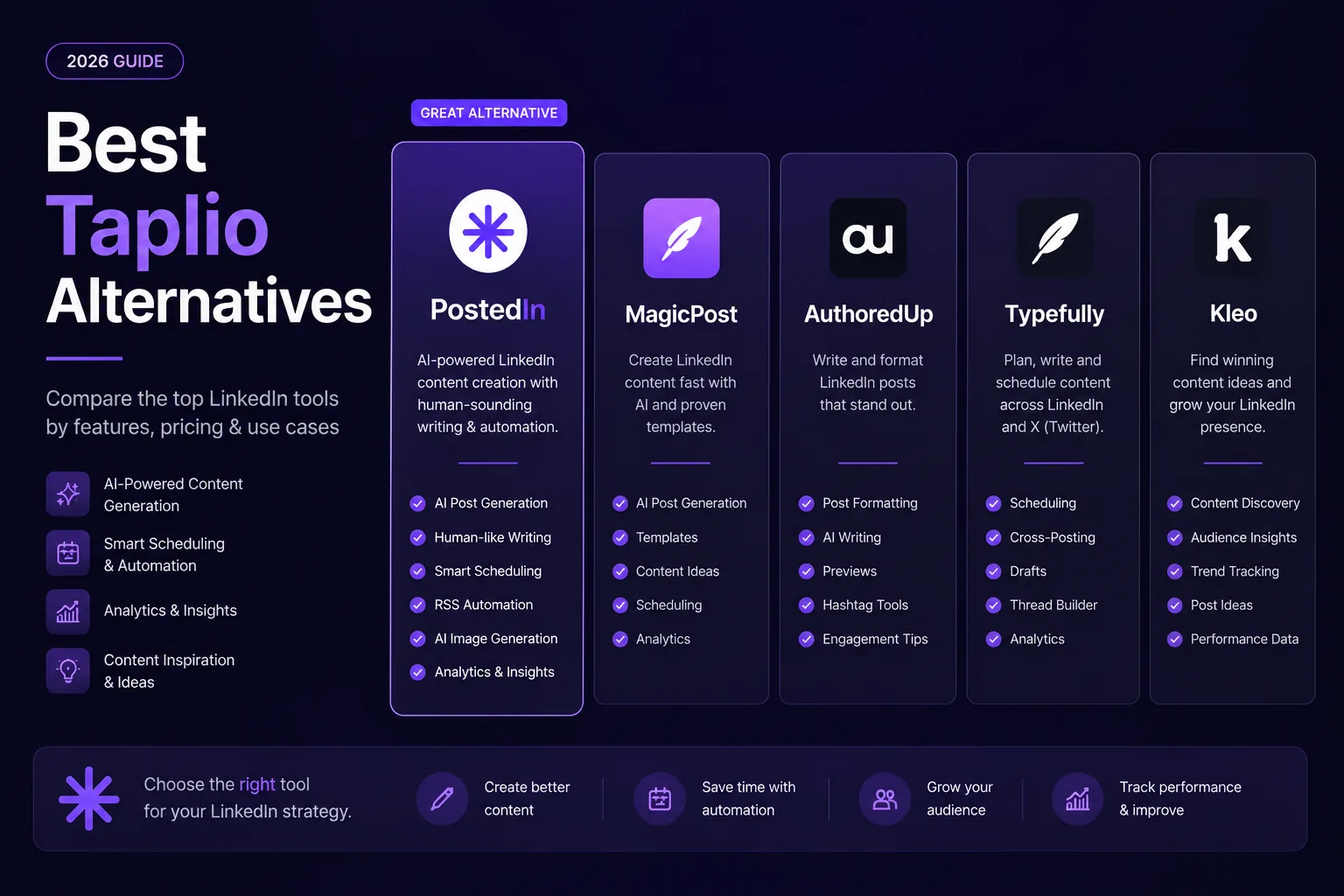
7 Best Taplio Alternatives in 2026: Compare LinkedIn Tools
Looking for a Taplio alternative? Compare seven LinkedIn tools for AI writing, editing, analytics and scheduling, and find a fit f...
MagicPost vs PostedIn: Which LinkedIn AI Tool Is Better in 2026?
Compare MagicPost and PostedIn for LinkedIn AI writing, content ideas, analytics, scheduling and pricing using current product des...