MagicPost vs PostedIn: Which LinkedIn AI Tool Is Better in 2026?
PostedIn publishes this comparison. We checked the companies' public feature and pricing pages on September 25, 2026. Plans and beta features may change, so verify the current offer before subscribing.
MagicPost and PostedIn both help people draft LinkedIn posts with AI and plan publication. MagicPost describes a broad toolkit for inspiration, analytics, engagement and teams. PostedIn focuses on moving from an idea or relevant article to an editable draft in your style and a scheduled post. The right choice depends on the work you want the tool to save.
MagicPost vs PostedIn at a glance
| Task | MagicPost | PostedIn |
|---|---|---|
| Draft posts with AI | Yes, on plans with AI generation | Yes |
| Use examples of your writing style | Yes | Yes |
| Add audience context | Yes | Yes |
| Find content ideas | Idea tools and post inspiration library | Idea tools and curated RSS stories |
| Schedule LinkedIn posts | Yes | Yes, on plans with publishing |
| Create carousels or visuals | Yes; some creation features are in beta | Yes |
| Analyze performance | Analytics are a central part of the product | Check the current app and plan for reporting options |
| Work across teams or clients | Dedicated team and agency plans | Confirm current account and collaboration terms |
This table summarizes publicly described features. We have not conducted a controlled test of output quality or measured results from either tool.
What can MagicPost do?
According to MagicPost's current generator page, you can create a draft from a topic, link or file. The product can use your writing style and context such as your audience, offer and stories. You can edit a passage, shorten a draft or request new hooks in its editor.
That matters because an older version of this comparison said MagicPost could not take audience context. Its current product description says otherwise. Both tools offer ways to guide a draft toward a specific reader.
MagicPost also describes a searchable inspiration library, hook and idea tools, post analytics, scheduling and workflows for teams or agencies. If you manage client accounts or report regularly on performance, those broader features may be worth testing.
What can PostedIn do?
PostedIn helps you turn a topic into a draft using examples of your own writing. You can revise the result, draw on curated industry stories for ideas, create carousels and schedule posts. Its public site says it publishes through LinkedIn's official API after you connect your account.
You can try the free LinkedIn post generator with a topic and audience before deciding whether the broader product suits you. Add your firsthand example and check factual statements before publishing. A generator cannot supply experience you have not given it.
If choosing a topic is the hardest part, start with our LinkedIn post ideas for founders, marketers and recruiters. For a source article, our RSS to LinkedIn guide explains how to add a perspective instead of simply repeating a headline.
Ideas, analytics and publishing
Both products cover more than first-draft generation. MagicPost emphasizes finding examples, analyzing results and managing multiple accounts. PostedIn emphasizes drafting, editing, visual creation and a publishing calendar. Compare the tasks you actually perform every week rather than assuming the longest feature list will help most.
For example, if you already have plenty of topics but spend an hour rewriting every AI draft, compare how quickly each editor gets you to a post you would sign your name to. If you work with clients, test review and permissions. If analytics drive your editorial decisions, inspect the exact metrics and exports available on your chosen plan.
Pricing: compare the plan you would really use
An earlier version of this article listed MagicPost plan names and dollar prices that no longer match its present plan descriptions. MagicPost currently separates analytics access from AI writing in its paid plans. PostedIn also varies credits and publishing access by plan.
See MagicPost's current pricing and PostedIn's current pricing. Check AI generation, scheduling, account limits, credits or usage limits, and trial terms. Comparing only the cheapest advertised price can hide the feature you actually need.
Which tool should you try?
Try MagicPost if you want a broad LinkedIn workspace with inspiration, analytics, engagement and workflows for teams or clients.
Try PostedIn if your main bottleneck is turning a topic or industry story into a draft in your style, then editing and scheduling it in one place.
Run the same small test in both: give each tool an identical audience, topic, real example and intended takeaway. Time the editing process, note any unsupported claims and review the final post. The tool that leaves you with a clearer, more accurate draft for your own workflow is the better fit.
Frequently asked questions
Can MagicPost use information about my audience?
Yes. Its current generator page describes using audience, offer and other context in the writing process.
Can both tools publish to LinkedIn?
Both describe LinkedIn publishing and scheduling. Check current plans for the formats and volume you need.
Does either tool guarantee more reach?
No. A tool can help you prepare and publish consistently, but it cannot guarantee how a particular audience will respond. Check every draft and measure your own results.
Which is the cheaper LinkedIn post generator?
That depends on which paid features you need and the latest plan terms. Both offer ways to try writing before buying. Compare the plans that include your required workflow, not just the lowest headline price.
Related articles

AI LinkedIn Post Generator for Founders: 3 Prompts and Examples
Use an AI LinkedIn post generator for founders with three practical prompts for customer conversations, product decisions and less...
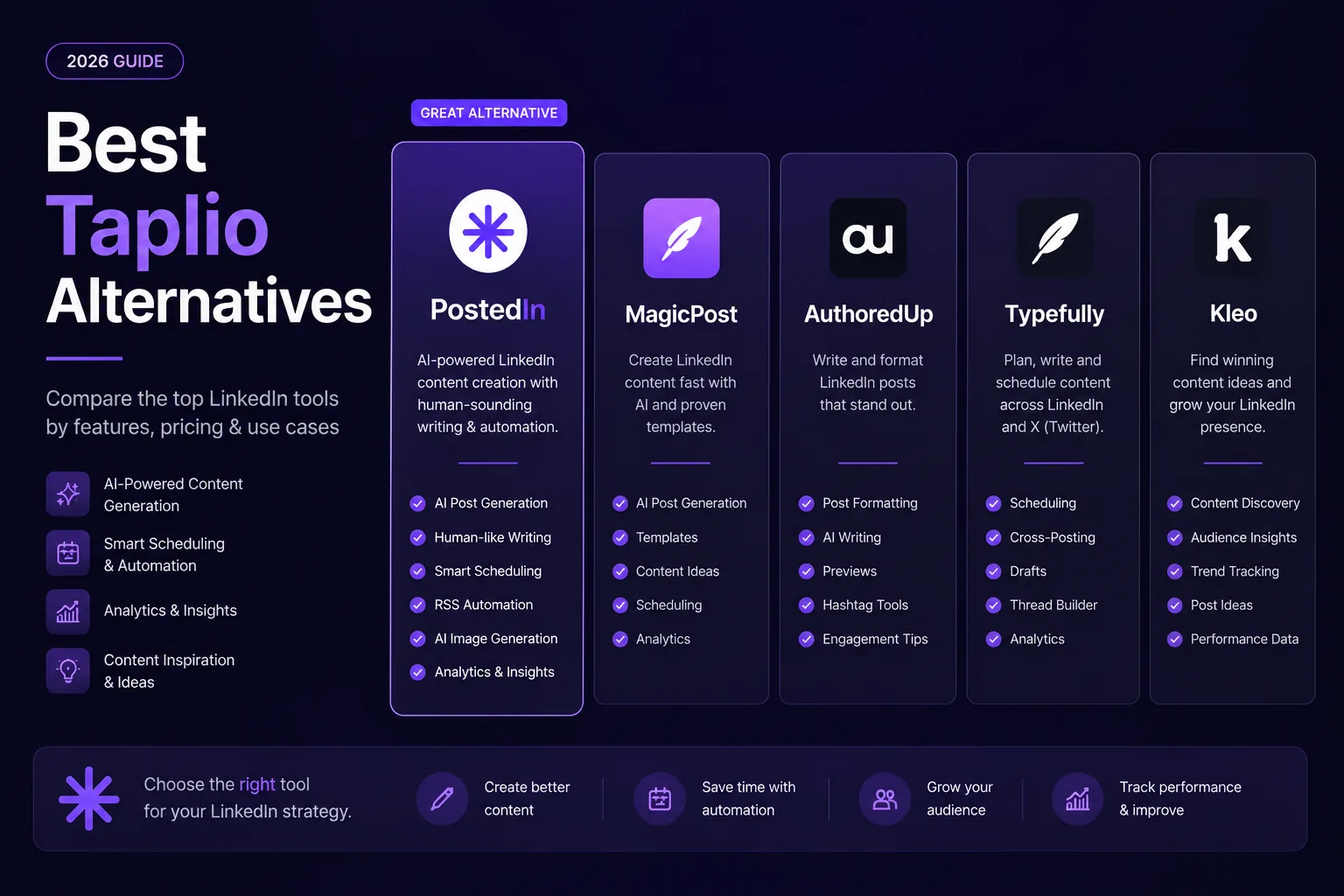
7 Best Taplio Alternatives in 2026: Compare LinkedIn Tools
Looking for a Taplio alternative? Compare seven LinkedIn tools for AI writing, editing, analytics and scheduling, and find a fit f...
10 ChatGPT Prompts for LinkedIn Posts You Can Actually Use
Ten practical ChatGPT prompts for LinkedIn posts, hooks, editing, and content ideas—plus a worked example and a checklist for accu...