AI LinkedIn Post Generator for Founders: 3 Prompts and Examples
If you are a founder, you probably have plenty to say about customers, hiring and product decisions. The hard part is turning those moments into a clear LinkedIn post without inventing a story or making it sound like generic advice.
An AI LinkedIn post generator can help shape your notes into a first draft. The useful input is not a clever prompt. It is a real moment, the detail that made you notice it, and the point you want another founder to take away.
This guide gives you three founder-focused prompts and shows how to use each one. The examples below are fictional templates for illustration; replace every bracket with your own experience before publishing.
What should a founder give a LinkedIn post generator?
Start with four pieces of raw material:
- The moment: What happened in a customer conversation, product review or team meeting?
- The detail: What did someone say, do or choose that made the moment specific?
- Your interpretation: What did you think at the time, and what do you think now?
- The reader: Which founders or operators might find the lesson useful?
You do not need a polished story. A few honest notes are more useful than a broad instruction like “write a post about leadership.” Leave out private customer details and any numbers you cannot verify.
If you have only a broad topic, start with our LinkedIn post ideas for founders. When you have a real example, you can turn it into a draft with the free LinkedIn post generator.
Prompt 1: Turn a customer conversation into a post
A customer question can reveal a gap between what your team explains and what a buyer actually needs to know. Write down the question as closely as you can, removing names and confidential details.
Prompt template
I’m a founder at [type of company]. A customer asked us: “[question, with private details removed].” I initially thought [your first interpretation]. After learning [what changed your view], I now think [your current point]. Draft a LinkedIn post for [specific audience of founders or operators]. Keep one main idea, use only the facts I provided, and end with a practical takeaway. Do not invent a customer outcome or quote.
Fictional example notes
A prospect asked whether our onboarding could be finished in one day. We kept explaining the setup steps. In a later call, we learned they were worried about losing their team's work during the switch. We changed the conversation to migration planning.
What to check in the draft
Does it explain what the prospect was actually worried about? Does it distinguish your assumption from what you later learned? Remove any promise about better conversion or retention unless you measured it.
Prompt 2: Share a product decision and its trade-off
Founders make decisions that are useful to discuss even when the outcome is not a dramatic success. Explain what options you considered and why you chose one.
Prompt template
We had to decide whether to [decision]. The options were [option A] and [option B]. We chose [choice] because [reason]. The cost or trade-off was [trade-off]. We have observed [what you know so far], but have not measured [what you do not know]. Write a concise LinkedIn post for [audience]. Keep the trade-off visible and do not present an assumption as a result.
Fictional example notes
We could add three requested integrations or improve the reliability of the one most customers already use. We chose reliability first. That delayed the integrations. We have fixed several reported issues; we have not yet compared churn before and after.
What to check in the draft
Does the post show the cost of the choice as well as the reason? Does it avoid calling the decision a success before you know the result? A useful founder post can share a decision in progress, not just a win.
Prompt 3: Write about a mistake without turning it into a victory story
A mistake can become a useful post when you explain what you did, what signal you missed and what you changed. Avoid adding a tidy lesson that did not actually follow from the event.
Prompt template
I made this decision: [what you did]. At the time I believed [assumption]. The signal I missed was [specific detail]. The consequence I can confirm is [fact]. Since then I have changed [specific process or behavior]. Draft a first-person LinkedIn post for [audience]. Keep the account honest and specific; do not exaggerate the consequence or claim that the new process solved everything.
Fictional example notes
I postponed a customer call because I thought the issue was already understood from a support ticket. The call revealed that the team had a different workaround from the one we expected. I now speak to a user before closing a confusing report. I have not measured the effect on support volume.
What to check in the draft
Would you be comfortable explaining the story to the people involved? Is the process change something you really made? Keep the post focused on what you know rather than adding a dramatic ending.
A quick editing checklist for founder posts
Before publishing a draft from any LinkedIn post generator, check:
- The first line matches the post. It should introduce the real point, not promise a result the post cannot show.
- The story is yours. Replace generic advice with the words, decision or detail that made you think differently.
- The facts are traceable. Check dates, numbers, customer language and product claims. Remove anything you cannot verify or share.
- There is one takeaway. If the draft contains two separate lessons, split them into two posts.
- The ending feels natural. Use a question only if you want to hear the answer; a post does not need an engagement prompt.
For a broader writing structure, see how to write your first LinkedIn post. For more ways to instruct an AI writer without asking it to make up details, browse these ChatGPT prompts for LinkedIn posts.
Try the prompts with your own notes
Pick one customer conversation, product decision or mistake you can discuss publicly. Add the real details to a prompt, generate a draft and edit it until every sentence reflects what happened and what you believe.
You can try the free LinkedIn post generator with a topic and audience. If you want to build a repeatable workflow around your own writing style and publishing calendar, explore PostedIn.
Related articles
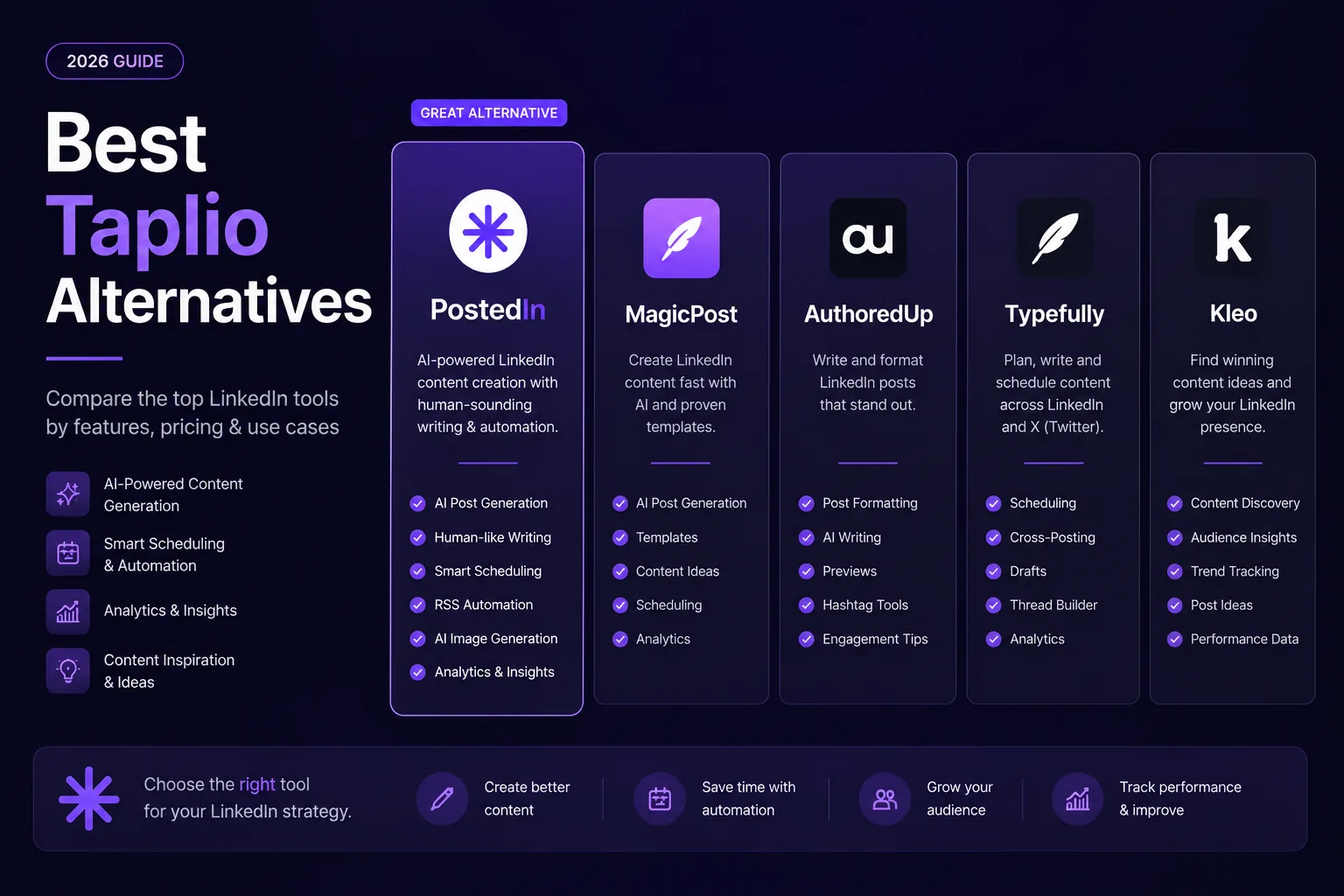
7 Best Taplio Alternatives in 2026: Compare LinkedIn Tools
Looking for a Taplio alternative? Compare seven LinkedIn tools for AI writing, editing, analytics and scheduling, and find a fit f...
MagicPost vs PostedIn: Which LinkedIn AI Tool Is Better in 2026?
Compare MagicPost and PostedIn for LinkedIn AI writing, content ideas, analytics, scheduling and pricing using current product des...
10 ChatGPT Prompts for LinkedIn Posts You Can Actually Use
Ten practical ChatGPT prompts for LinkedIn posts, hooks, editing, and content ideas—plus a worked example and a checklist for accu...