PostedIn publishes this guide and is one of the products listed. We reviewed public product pages on September 25, 2026. Features, beta access and prices can change. We have not run a controlled comparison of generated output or measured which tool produces more LinkedIn reach.
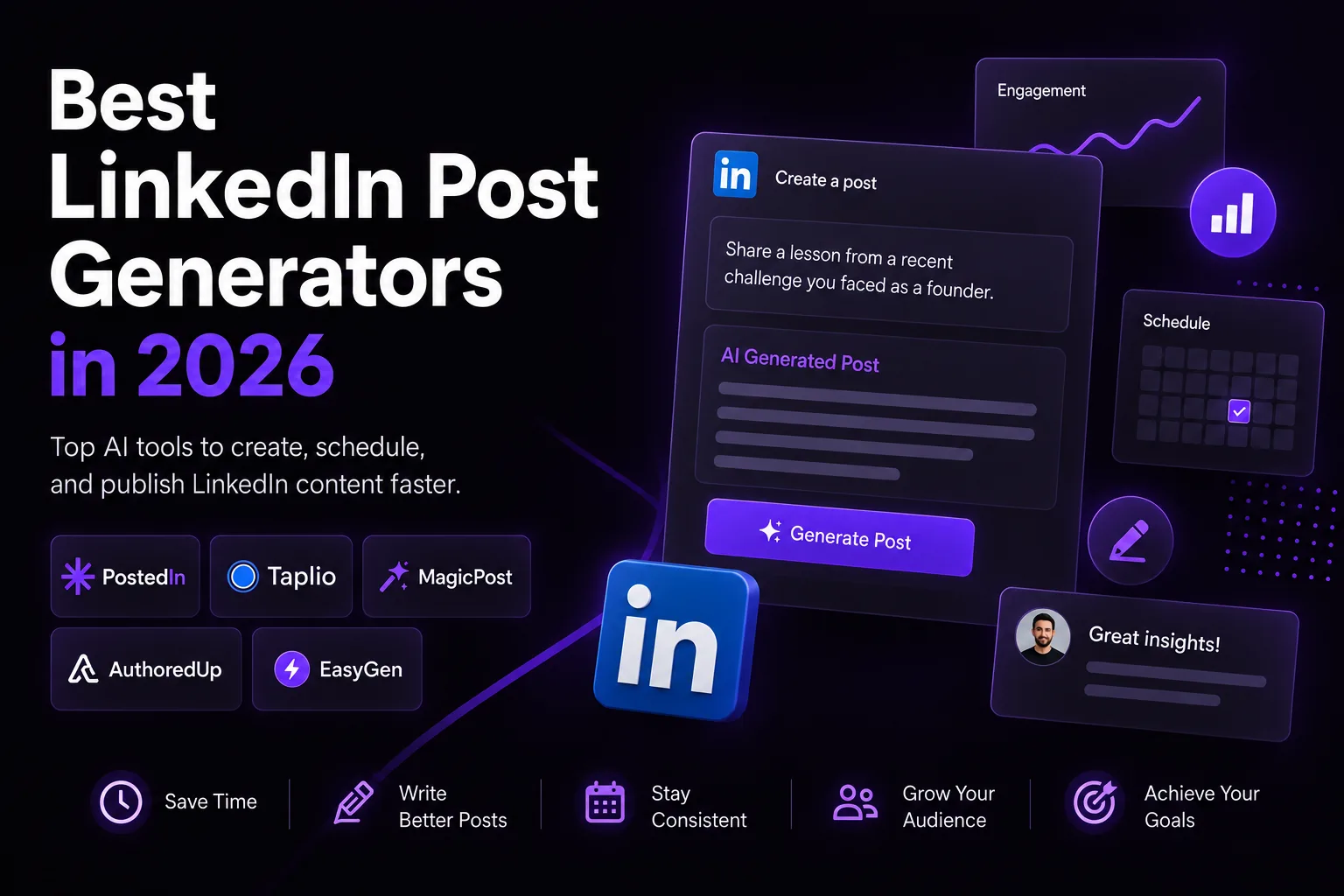
A LinkedIn post generator can turn notes into a draft, suggest an opening or help you edit a finished post. Some products also schedule content, show analytics or support teams. This guide covers five tools with different strengths and gives you a simple test for choosing one.
How we selected the tools
We included products that publicly describe a LinkedIn-specific writing workflow and offer enough information to compare their main use cases. The order below is not a performance ranking. We describe the features each company currently advertises and point to its official page so you can check plan details yourself.
| Tool | Start here if you need... | Check before buying |
|---|---|---|
| PostedIn | AI drafts in your style, industry-story ideas and scheduling | Credits and publishing access on your plan |
| Taplio | Ideas, writing, analytics and engagement in one LinkedIn workspace | Which features are in the plan you need |
| MagicPost | AI writing plus inspiration, analytics and team workflows | AI access versus analytics-only plans |
| AuthoredUp | A detailed editor, previews, post library and analytics | Access to its Coauthor AI beta |
| EasyGen | A focused AI writing workflow for LinkedIn | Its current publishing, analytics and plan details |
1. PostedIn
PostedIn turns a topic into a draft that you can edit and schedule. You can build a writing style from examples of your posts, draw ideas from curated RSS stories and create carousels. Its site says it publishes through LinkedIn's official API.
Good fit: You have ideas or industry material but want a faster path to a post that sounds like you.
Check: The Starter, Pro and Agency plans have different credits and publishing features. Read the current pricing for the workflow you need. You can first try the free LinkedIn post generator with a topic and audience.
2. Taplio
Taplio combines a LinkedIn AI writer with an inspiration feed, scheduling, analytics and engagement tools. Its product pages describe drafting in your voice and drawing ideas from posts in your niche. It also offers a free post generator.
Good fit: You want to study content examples, write posts and track LinkedIn growth from one broader workspace.
Check: Match the tools you will actually use to a current Taplio plan. Our Taplio vs PostedIn comparison covers the workflow in more detail.
3. MagicPost
MagicPost can draft from a topic, link or file. Its public description says you can add your audience, offer and writing style, then revise passages in an editor. MagicPost also describes inspiration, scheduling, analytics and options for teams and agencies.
Good fit: You want AI writing alongside a broad content and reporting toolset, especially for several accounts or clients.
Check: MagicPost distinguishes its analytics plan from plans with AI generation. Confirm the current inclusions on its pricing page. Read our MagicPost vs PostedIn comparison for a closer look.
4. AuthoredUp
AuthoredUp is particularly strong on editing and reviewing posts. It describes formatting, mobile and desktop previews, a hook library, reusable snippets, a searchable post history and analytics. Its pricing page lists Coauthor, an AI writing assistant that learns from posts, as a beta feature.
Good fit: You write or edit many posts yourself and want more control over layout, drafts and performance review. Its Business plan also describes team analytics and draft collaboration.
Check: Confirm Coauthor access and the plan features you need. It would be inaccurate to treat AuthoredUp as a tool with no AI or no publishing. See our AuthoredUp vs PostedIn comparison.
5. EasyGen
EasyGen focuses on AI-assisted LinkedIn writing. Its public materials describe turning ideas into posts and adapting to a creator's style. Its company profile also describes idea generation, media and a content calendar.
Good fit: You want to try a focused writing tool and compare its drafts with those from a broader publishing platform.
Check: Verify the present feature and plan details in the product itself. We do not have enough current public detail to score its scheduling, direct publishing or analytics against the other four tools.
How to choose a LinkedIn post generator
Use the same real input in each tool you are considering:
- Audience: Who should find the post useful?
- Source material: One situation you experienced, a specific observation and any facts you can verify.
- Takeaway: What should the reader understand or try?
- Voice: Two or three examples of how you normally write.
Then compare the draft on four points: factual accuracy, resemblance to your own voice, time spent editing and whether the paid plan includes the publishing workflow you need. If you manage clients, also check review permissions and account limits. If you base decisions on data, inspect the analytics and exports.
Do not reward a tool for inventing a persuasive story. A polished draft that includes facts you did not provide takes more work to correct and may damage trust if published unchanged. Our guide to writing your first LinkedIn post gives you a review checklist.
Frequently asked questions
What is the best LinkedIn post generator in 2026?
There is no single winner for every workflow. PostedIn, Taplio and MagicPost offer AI drafting with different surrounding features. AuthoredUp emphasizes editing and analytics while also developing AI writing. EasyGen is another focused AI writing option. Test two or three with the same real brief.
Is a free LinkedIn post generator enough?
Try PostedIn’s free LinkedIn post generator with a real topic and audience first. A free tool can be enough for an occasional draft. A paid workflow may be useful if you need saved styles, scheduling, analytics or collaboration. Edit and fact-check the result regardless of price.
Can AI publish posts directly to LinkedIn?
Some products include scheduling or direct publishing, often on specific plans. Check the current plan, connection method and supported formats before you subscribe.
Will a LinkedIn post generator improve reach?
No tool can promise that. It can help you publish consistently and improve a draft, but the value of your ideas and the response of your audience still matter.
Related articles

LinkedIn Post Character Limit: 3,000 Characters and How to Edit
The LinkedIn post character limit is 3,000. Learn how to count a draft, improve its opening and trim text without losing the point...
LinkedIn Hashtags: How to Choose Relevant Tags (with Examples)
A practical guide to choosing LinkedIn hashtags for professional posts, with examples, mistakes to avoid and a free hashtag genera...
How to Format a LinkedIn Post: Line Breaks, Bold Text and Examples
Learn how to format a LinkedIn post with readable line breaks, selective emphasis and a practical before-and-after example. Try a...