AuthoredUp vs PostedIn: Which LinkedIn Tool Is Better in 2026?
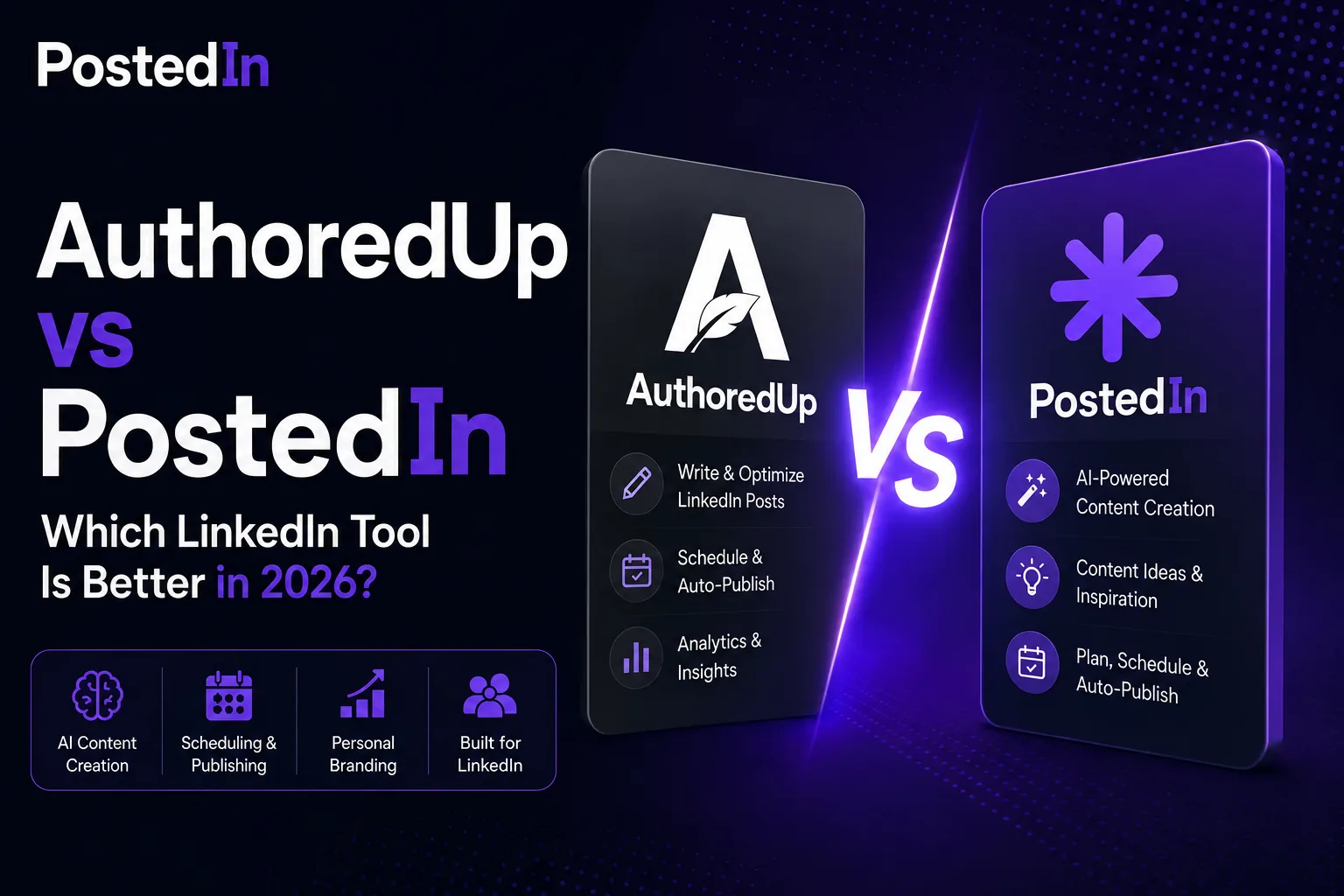
PostedIn publishes this comparison. We checked the public product and pricing pages for both tools on September 25, 2026. Product access and beta features may change.
AuthoredUp and PostedIn both support LinkedIn content creation, but they emphasize different parts of the workflow. AuthoredUp offers a detailed editor, preview, post library, analytics and team features. PostedIn focuses on moving from an idea or industry story to an AI-assisted draft and scheduled post. Here is a practical way to choose between them.
AuthoredUp vs PostedIn: feature overview
| Workflow | AuthoredUp | PostedIn |
|---|---|---|
| Draft and edit posts | Detailed editor, formatting and previews | AI-assisted drafting and editing |
| AI writing | Coauthor is listed in closed beta | AI post generation and writing styles are available |
| Content ideas | Hook library, saved posts and reuse suggestions | Idea tools and curated RSS stories |
| Scheduling | Calendar and scheduling through its LinkedIn-connected workflow | Calendar and publishing on plans that include scheduling |
| Analytics | Post, profile and team analytics are prominent features | Check the current PostedIn app and plan for reporting options |
| Team workflow | Business plan includes collaboration and team analytics | Check current plan details for your team's needs |
| Free post generator | Check AuthoredUp's current trial and beta access | Free LinkedIn post generator |
This is a comparison of publicly described features, not a hands-on performance test. We have not measured which product produces better posts or business results.
Where AuthoredUp is strongest
AuthoredUp's editor is designed for people who spend time refining each post. Its public pages describe formatting, desktop and mobile previews, readability feedback, reusable snippets and a library of hooks and endings. You can organize drafts, keep a searchable post history and review saved LinkedIn posts.
Its analytics offer another reason to consider it. AuthoredUp describes post and profile performance views, growth trends and exports. Its Business plan includes team analytics and draft collaboration. These features matter if your workflow includes client review, several profiles or regular performance reporting.
AuthoredUp's pricing page also lists Coauthor, an AI writing assistant that learns from your posts. It is described as a closed beta at the time of this update. It would be inaccurate to call AuthoredUp a product without AI; check current access before making it central to your buying decision. See AuthoredUp's plan details.
Where PostedIn is strongest
PostedIn begins with the writing task. You can enter a topic, build a style from examples of your writing, generate a draft and edit it before publishing. Its site also describes curated RSS stories for finding relevant topics, visual creation, carousels and scheduled publishing through LinkedIn's official API.
If your hardest step is starting a post, try the free LinkedIn post generator with a real topic and audience. Then add your own observation and check each claim. For more structured input, use our ChatGPT prompts for LinkedIn posts as a guide, even if you write inside another tool.
PostedIn's public plans differ in credits and publishing features. Review current PostedIn pricing if you need scheduling or a particular volume of AI actions. Do not assume every feature is included in the entry plan.
A five-minute comparison you can run yourself
Use one real topic, the same audience and the same source notes in both products. Include an example from your work and the takeaway you want readers to remember.
- Draft or outline the post in each tool.
- Count unsupported details, vague phrases and claims you need to verify.
- Compare the preview and editing steps you actually use.
- Check whether you can schedule the final format on the plan you would buy.
- If you report on results or work with others, test the analytics and review workflow too.
This test is more useful than asking which feature list is longer. The right tool is the one that saves time on the part of the job that currently slows you down.
Which should you choose?
Choose AuthoredUp if formatting, previewing, organizing past posts, analytics or team collaboration are central to your process. It also has AI writing in beta, so it may suit people who want both manual control and some AI help.
Choose PostedIn if you want an AI-assisted path from topic to editable draft, with writing styles, content inspiration and publishing in the same workflow. Compare the current plan limits before subscribing.
You may find that neither tool replaces your judgment. Use your own evidence, make the point clear and read the post once as your audience would. Our guide to writing your first LinkedIn post walks through that last review.
Frequently asked questions
Does AuthoredUp have AI writing?
Its public pricing page lists Coauthor, an AI writing assistant in closed beta as of September 25, 2026. Check access and credits on the current plan page.
Can PostedIn schedule posts?
Yes, scheduling and LinkedIn publishing appear in its product description, but plan access varies. Check the current pricing page before choosing a plan.
Which tool is better for teams?
AuthoredUp publicly lists draft collaboration and team analytics on its Business plan. If considering PostedIn for a team, confirm its present collaboration features and account terms directly in the product before deciding.
Which tool will get more LinkedIn reach?
Neither can guarantee reach. Compare the time needed to produce a useful post, then measure how your actual posts perform with your audience.
Related articles

LinkedIn Post Character Limit: 3,000 Characters and How to Edit
The LinkedIn post character limit is 3,000. Learn how to count a draft, improve its opening and trim text without losing the point...

LinkedIn Hashtags: How to Choose Relevant Tags (with Examples)
A practical guide to choosing LinkedIn hashtags for professional posts, with examples, mistakes to avoid and a free hashtag genera...

How to Format a LinkedIn Post: Line Breaks, Bold Text and Examples
Learn how to format a LinkedIn post with readable line breaks, selective emphasis and a practical before-and-after example. Try a...