Taplio vs PostedIn: Which LinkedIn Growth Tool Is Better in 2026?
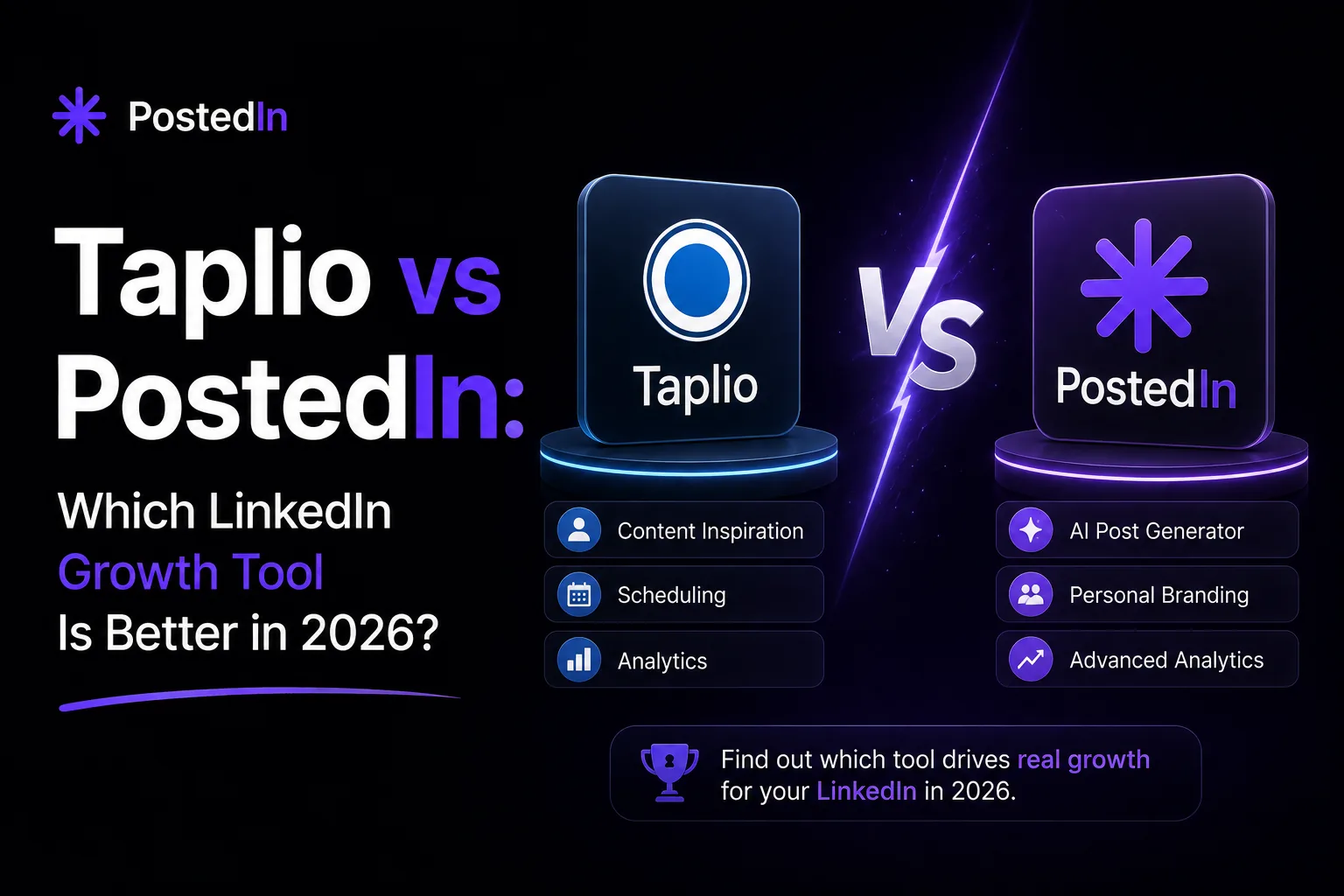
PostedIn publishes this comparison. We checked the public product and pricing pages for both tools on September 25, 2026. Features and prices can change, so confirm plan details before subscribing.
Taplio and PostedIn both help you turn an idea into a LinkedIn post and schedule content. The better fit depends on whether you also need analytics and engagement features, or mainly want a focused writing and publishing workflow. Here is what each product currently offers and how to make the choice with your own content.
Taplio vs PostedIn at a glance
| What you need | Taplio | PostedIn |
|---|---|---|
| Draft LinkedIn posts with AI | Yes | Yes |
| Adapt writing to your voice | Yes, according to Taplio's product page | Yes, using examples of your posts |
| Schedule posts | Yes | Yes, on plans that include scheduling |
| Create carousels | Yes | Yes |
| Explore content ideas | Inspiration feed and post database | Topic ideas and curated RSS stories |
| Analyze performance | LinkedIn analytics are a prominent part of Taplio | Check the current PostedIn app and plan for available reporting |
| Engagement tools | Taplio promotes tools for finding and managing conversations | PostedIn focuses on creation and publishing |
| Free standalone post generator | Taplio's generator | PostedIn's generator |
This table compares publicly described features. We have not run a controlled output or performance test of the two products, so it does not rank the quality of their generated posts.
Writing a post: what changes in daily use?
Taplio positions itself as a LinkedIn growth platform. Its current product pages describe an AI writer that can draft in your voice, suggest ideas from posts in your niche, and move drafts into a publishing queue. It also offers a free LinkedIn post generator for trying basic generation before choosing a paid workflow.
PostedIn starts with a topic, audience or source article and helps turn it into a draft you can edit. You can build a writing style from examples of your posts, then adjust the draft before publishing. If you are starting from a blank page, try the free LinkedIn post generator. It gives you a concrete draft to review; your own examples and fact checks still matter.
Neither tool can know a story you have not supplied. For a useful comparison, give both the same real input: a specific audience, one firsthand observation, a clear takeaway, and any facts that must stay intact. Then compare how much editing each draft needs. Our guide to writing a LinkedIn post that sounds like you shows a simple way to review the result.
Ideas and repurposing
Taplio highlights an inspiration feed and searchable examples of posts that performed well on LinkedIn. This may help if you want to study formats, monitor topics in your niche and build an ongoing idea bank.
PostedIn offers curated RSS stories from selected industry sources. You can choose a relevant story, add your own point of view, and turn it into a draft. That is a workflow for finding and interpreting material, not an automatic promise that every new article in your own feed becomes a published post. Our RSS to LinkedIn guide explains the review step.
Whichever idea source you use, check the original article and add a perspective your readers would not get from a summary alone. A post that simply repeats a headline is unlikely to show why they should follow you.
Scheduling, carousels and analytics
Both products describe scheduling and carousel creation. PostedIn says it publishes through LinkedIn's official API after you connect your account and offers a calendar for planning posts. Taplio also promotes a content queue and carousel tools. If publishing permissions or document formats matter to your team, test the exact workflow in each product before committing.
The clearer difference is the breadth of the surrounding toolkit. Taplio gives substantial space to analytics, engagement and audience growth features. PostedIn's public site puts more emphasis on drafting, editing, visual creation and publishing. Choose based on the tasks you will actually use each week, rather than the length of a feature list.
Pricing and free options
Both companies offer a free standalone LinkedIn post generator. Paid plans cover broader workflows, with different limits and included features. See Taplio's current pricing and PostedIn's current pricing before you decide. In particular, check whether the plan you want includes AI generation, scheduling, the number of actions you expect to use and any trial terms. PostedIn lists different feature access across its Starter, Pro and Agency plans.
A low monthly price only helps if the plan includes the feature you need. A larger toolset only helps if it replaces work you already do elsewhere.
Which should you try first?
Try Taplio first if you want content inspiration, analytics and engagement features together in one LinkedIn workspace. Its product pages describe a broader set of growth tools alongside writing and scheduling.
Try PostedIn first if your main bottleneck is getting from a real idea or industry story to an editable post, then planning when it goes live. It is also worth a look if you want to build drafts from examples of your existing writing.
To make the comparison fair, write one real post in each tool. Keep the input and audience identical. Record the time from idea to publishable draft, the claims you had to correct, and whether the final wording sounds like something you would say. That small test will tell you more than a feature checklist.
Frequently asked questions
Is Taplio or PostedIn better for a LinkedIn post generator?
Both offer AI post generation. Taplio also emphasizes inspiration, analytics and engagement features; PostedIn emphasizes drafting in your style and publishing. Use the two free generators with the same prompt and compare the drafts after your own edits.
Can I use either tool without publishing automatically?
Yes. You can draft and review content before you publish. Check each product's current plan details for scheduling and connection requirements.
Will either tool guarantee more reach?
No tool can guarantee post performance. Results depend on your topic, evidence, audience and consistency, among other factors. Treat AI output as a draft and measure what happens after you publish.
Want to test your next idea? Enter a topic and audience in the free PostedIn LinkedIn post generator, then add your firsthand details before posting.
Related articles

LinkedIn Post Character Limit: 3,000 Characters and How to Edit
The LinkedIn post character limit is 3,000. Learn how to count a draft, improve its opening and trim text without losing the point...
LinkedIn Hashtags: How to Choose Relevant Tags (with Examples)
A practical guide to choosing LinkedIn hashtags for professional posts, with examples, mistakes to avoid and a free hashtag genera...

How to Format a LinkedIn Post: Line Breaks, Bold Text and Examples
Learn how to format a LinkedIn post with readable line breaks, selective emphasis and a practical before-and-after example. Try a...