More LinkedIn views can help the right people discover your work. But impressions are only one signal: a post can be seen widely and still bring few profile visits, conversations or leads. The useful question is which topics and formats bring the audience you actually want.
Here is a 30-day test you can run with your own posts. It does not depend on a secret posting time or an assumed algorithm rule.
First, define what a view means
LinkedIn calls an impression an estimate of how many times a post was displayed. Its combined post analytics guide also explains engagements and the share of impressions from people in and out of your network. For individual posts, LinkedIn offers post analytics that may include discovery, profile activity, social engagement and audience demographics.
Choose a useful outcome before you change anything. If you sell a service, that may be qualified profile visits and conversations. If you are recruiting, it may be visits from people in relevant roles. More impressions alone are not proof that a post worked for your business.
Week 1: collect a baseline
Open analytics for your last 10 posts and note the topic, format, date, impressions, comments and any profile activity available to you. Do not compare a post published yesterday with one that has had a month to circulate. Record the numbers at the same age after publication, such as seven days.
Then tag each post by its main purpose: teach a process, share a first-hand lesson, offer an opinion or announce something. You are looking for a pattern worth testing, not a universal rule. LinkedIn's own analytics are the starting point; your audience may behave differently from someone else's.
Week 2: make the topic more specific
A broad topic such as “leadership” gives readers little reason to stop. A specific observation gives them something to recognize or challenge. Compare these openings:
- Broad: “Here are my thoughts on customer onboarding.”
- Specific: “New customers kept stopping at step six of our setup. We removed four steps before rewriting a single instruction.”
The second is an illustrative example, not a PostedIn customer result. Use your own observation and check every number before publishing. If you are short on angles, try the free LinkedIn content idea generator, then select an idea you can support with experience.
Week 3: test the opening and format
Keep the topic and audience similar, but try two ways of presenting the idea: a short story with one takeaway and a practical list with the same takeaway. A free hook generator can provide starting lines, but the opening should accurately describe what follows. A dramatic claim that the post cannot support may win attention and lose trust.
If a visual genuinely helps explain the idea, test a document or image post too. Choose the format because it improves comprehension, not because someone promised that all carousels get more reach.
Week 4: review what happened
Look at impressions together with comments, profile activity and any business outcome you can trace. Ask:
- Which topic reached people outside my network?
- Which post brought relevant profile visits or conversations?
- Which opening accurately set up a post people engaged with?
- What can I repeat or improve in the next four weeks?
Avoid declaring a winner from one unusually strong post. Repeat the most promising topic or format and compare again. LinkedIn recommends using analytics to spot trends; it does not provide a single posting frequency that guarantees views for every account.
Where a generator helps
A generator can turn a specific observation into a first draft, suggest alternate hooks and reduce the time you spend staring at a blank editor. Try the free LinkedIn post generator with a topic and the people you want to reach. Add your own example, remove any unsupported claim and edit the wording until it sounds like you.
If you want to plan posts in advance, LinkedIn itself supports scheduling for many post types. A separate tool becomes useful when you also want one place to develop ideas, draft, edit and manage a calendar.
Frequently asked questions
How often should I post on LinkedIn to get more views?
There is no reliable number for every audience. Choose a pace that lets you publish useful posts and review their results. Increase it only if quality and relevance hold up.
Do comments help a post reach more people?
Comments create conversations and appear in LinkedIn's engagement metrics. Their effect on distribution is not a fixed multiplier. Respond to substantive questions because the exchange is useful, and measure what happens on your own posts.
Can AI guarantee more LinkedIn views?
No. AI can help you prepare and revise a post. Your experience, relevance to the audience and the response after publication still matter.
Related articles
LinkedIn Hashtags: How to Choose Relevant Tags (with Examples)
A practical guide to choosing LinkedIn hashtags for professional posts, with examples, mistakes to avoid and a free hashtag genera...
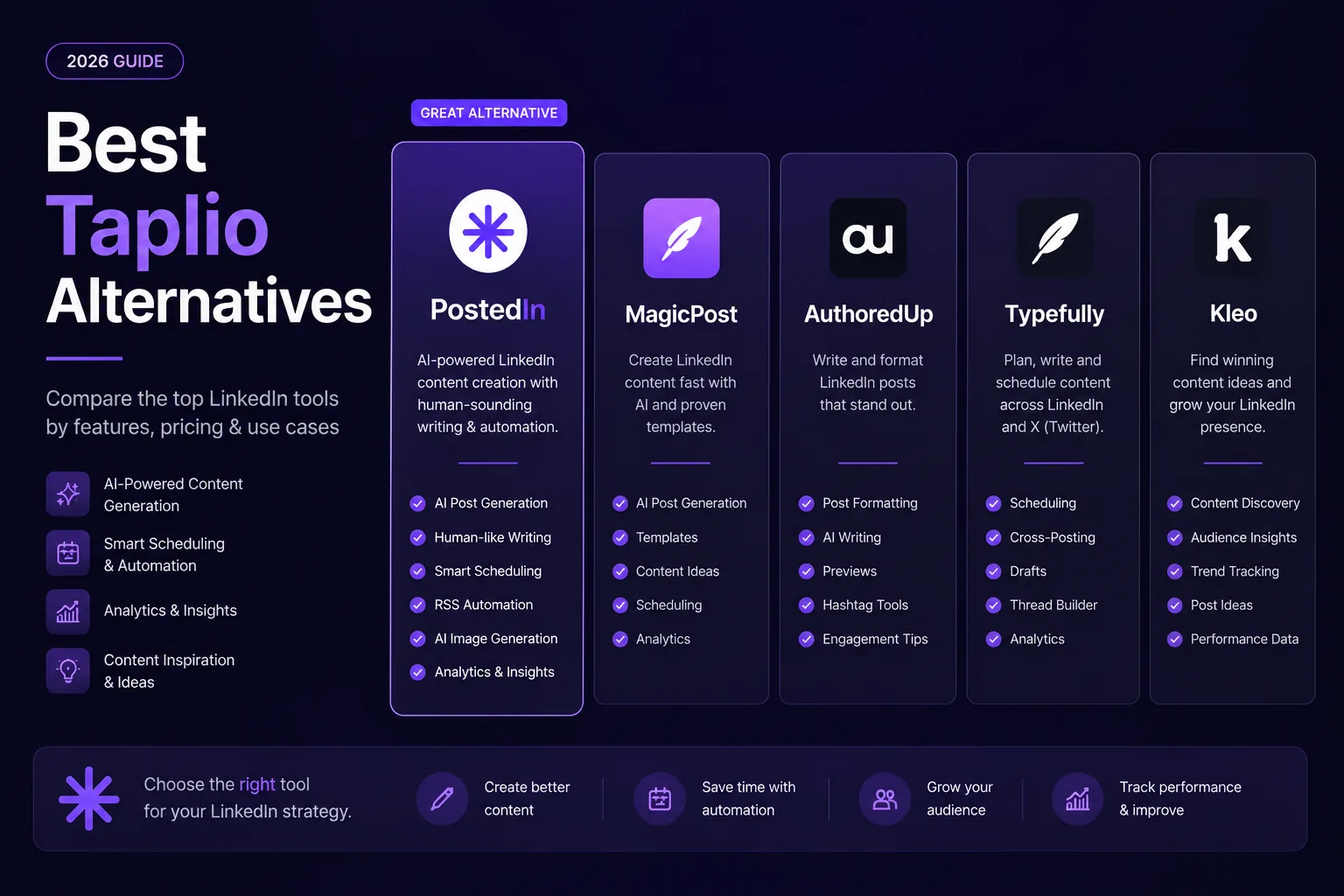
7 Best Taplio Alternatives in 2026: Compare LinkedIn Tools
Looking for a Taplio alternative? Compare seven LinkedIn tools for AI writing, editing, analytics and scheduling, and find a fit f...
MagicPost vs PostedIn: Which LinkedIn AI Tool Is Better in 2026?
Compare MagicPost and PostedIn for LinkedIn AI writing, content ideas, analytics, scheduling and pricing using current product des...