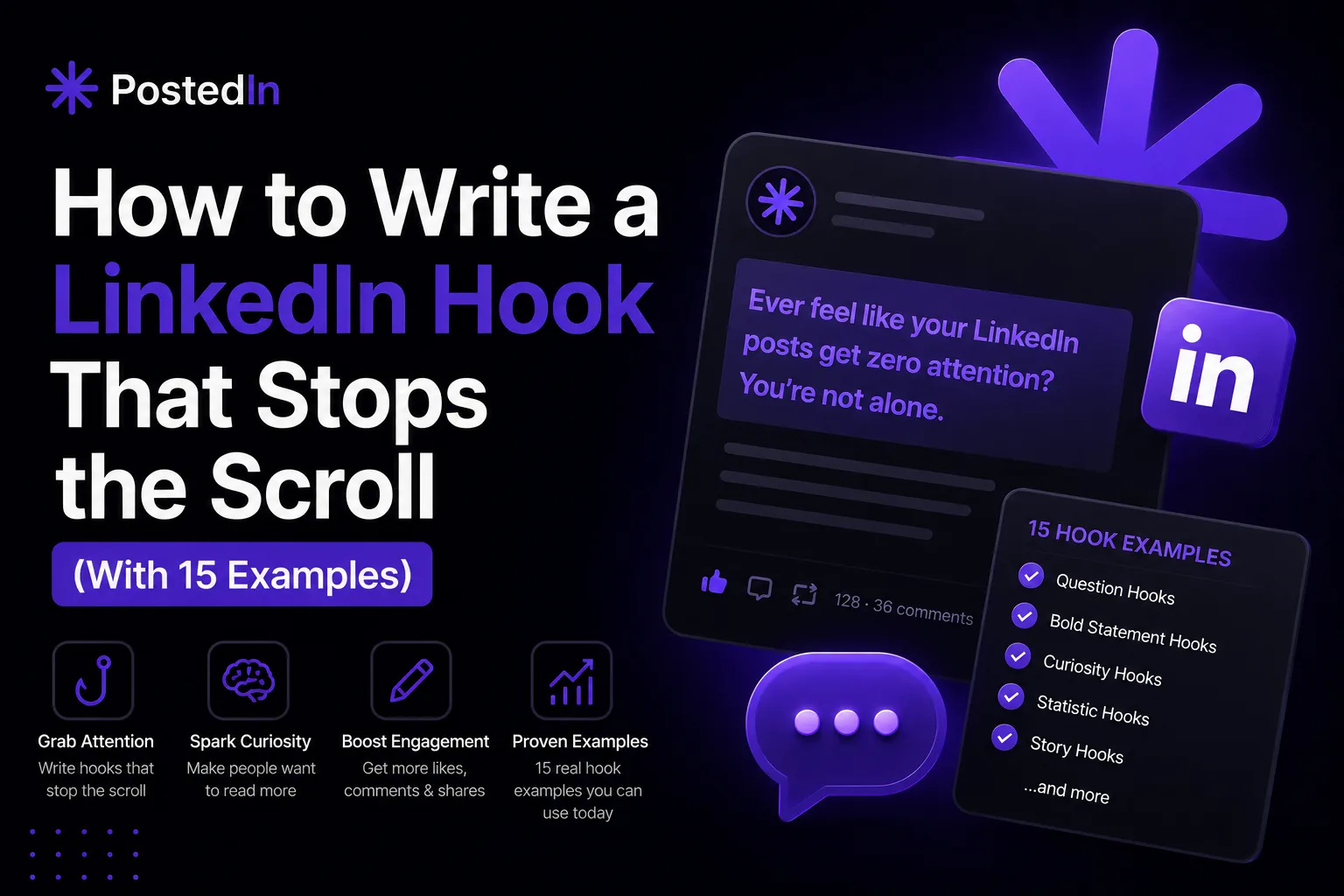
How to Write a LinkedIn Hook That Stops the Scroll (With 15 Examples)
How to Write a LinkedIn Hook That Stops the Scroll (With 15 Examples)
LinkedIn only shows the first one to three lines of your post before the "see more" cutoff. Everything after that is invisible until someone taps to expand it — and most people never do. This means your hook isn't just the opening of your post. It's the entire pitch for whether anyone reads the rest. A weak hook gets scrolled past in under a second. A strong one makes someone pause, click "see more," and actually read what you wrote. The difference often isn't the quality of the idea underneath — it's how that idea is framed in the first two lines. This guide breaks down what makes a hook work, the most reliable hook formats, and 15 examples you can adapt for your own posts.
What Makes a Hook Work
Before getting into formats, it helps to understand what a hook is actually doing. A good hook does one (or more) of these things:
- Creates curiosity – it raises a question in the reader's mind that they want answered
- Signals relevance – it makes clear, immediately, who this post is for
- Promises value – it implies the reader will learn, gain, or avoid something by reading on
- Triggers an emotional reaction – surprise, disagreement, recognition, or curiosity
Most hooks that don't work fail because they're vague, generic, or take too long to get to the point. "I've been thinking a lot about leadership lately..." doesn't do any of the above — it's an opening line, not a hook.
Formatting Matters as Much as Wording
Before getting into specific hook formats, it's worth noting: how a hook looks affects whether people read it.
- Keep your first line short. A single short sentence (or even a sentence fragment) on its own line is more scannable than a long paragraph.
- Use line breaks generously. Dense walls of text get skipped. Short lines with white space between them feel easier to read, even before someone decides to engage.
- Front-load the most interesting part. Don't bury the hook in a second or third sentence — the very first line needs to do the work.
With that in mind, here are 15 hook formats that consistently perform well, each with an example.
1. The Contrarian Statement
Challenge a commonly held belief in your field. This works because it immediately signals disagreement, which makes people curious about your reasoning.
"Everyone says you need to post daily on LinkedIn. I post twice a week and get more engagement than I did posting daily."
2. The Specific Number
Numbers feel concrete and credible, and they create curiosity about the story behind them.
"I rejected 47 candidates last month. Here's the one thing that disqualified almost all of them."
3. The Confession
Admitting a mistake or struggle is disarming — it signals honesty and makes the post feel less like a pitch.
"I almost shut down my company six months after launching it. Here's what changed."
4. The Direct Question
A question aimed squarely at your audience makes the post feel personally relevant — like it's addressed to them specifically.
"Struggling to get your marketing budget approved this quarter? Read this before your next meeting."
5. The Unexpected Result
Sharing a result that goes against expectations creates an immediate "wait, how?" reaction.
"We cut our ad spend by 40% last quarter. Our leads went up."
6. The Short, Bold Statement
Sometimes the simplest approach works best — a short, confident claim with no hedging.
"Most LinkedIn content advice is wrong."
7. The "I Used to Think..." Reversal
This format works well for sharing a change in perspective, which naturally sets up a "here's what I learned" structure.
"I used to think hiring fast was a competitive advantage. Now I think it's the opposite."
8. The Behind-the-Scenes Reveal
People are curious about what goes on behind a polished result or decision. This hook promises a look "inside."
"Here's what actually happened in the 48 hours before we launched our product."
9. The Relatable Frustration
Naming a frustration your audience feels creates immediate recognition — "yes, that's exactly my problem."
"You spend three hours writing a LinkedIn post. It gets 12 likes. Sound familiar?"
10. The List Preview
Telling people exactly what they're about to get sets clear expectations and makes the post feel useful and skimmable.
"5 questions I ask before taking on any new client. #3 has saved me from more bad projects than anything else."
11. The Time-Based Story
Framing a post around a specific moment in time creates a narrative hook — people want to know what happened next.
"Two years ago today, I sent my resignation email with no plan B."
12. The Myth vs. Reality
This format sets up a clear contrast, which makes the structure of the post obvious and easy to follow.
"What people think growing on LinkedIn looks like vs. what it actually looks like."
13. The Direct Address to a Specific Audience
Calling out exactly who the post is for filters in the right readers immediately — and makes those readers feel seen.
"If you're a founder still writing your own LinkedIn posts at 11 PM, this is for you."
14. The Cost of Inaction
Framing a hook around what happens if someone doesn't act creates urgency without being pushy.
"Most people don't lose deals because of price. They lose them because of this one follow-up mistake."
15. The Simple Observation
Sometimes the hook is just a sharp, specific observation — no big claim, just something true and slightly unexpected.
"The best LinkedIn posts I've read this year all had one thing in common: they were about something the person almost didn't post."
How to Practice Writing Better Hooks
Hooks get easier with repetition, but a few habits speed up the process:
- Write your hook last. Draft the body of your post first, then go back and write 2-3 different hook options based on what you actually said. The strongest line is often buried in the middle of your draft.
- Read it as the first line of a text message, not an essay. If a friend sent you this as the opening line of a message, would you want to know more?
- Cut anything that delays the point. Phrases like "I've been thinking about this for a while" or "So I wanted to share a quick thought" add length without adding value. Delete them and start with the actual idea.
- Save hooks that work. When a post performs well, note what the hook was and why you think it worked. Over time, you'll build a personal library of formats that resonate with your specific audience.
Hooks Are the Start, Not the Whole Post
A great hook earns attention — but it can't substitute for a post that actually delivers on what it promises. If your hook promises a lesson, a list, or a result, the rest of the post needs to follow through, or readers will feel misled and won't engage with future posts. If you're planning content in advance — for example, using a content calendar — it's worth spending a few extra minutes on each post's hook specifically, since it has an outsized impact on whether the rest of your work gets seen at all. Tools like PostedIn can help here too — its AI-powered post generation is designed to produce content that sounds natural rather than generic, which extends to how posts open. Combined with scheduling, it means you can plan a month of posts, each with a hook designed to actually get read, without starting from scratch every time.
Final Thoughts
Your hook is the most important two lines you'll write in any LinkedIn post. It's worth treating it as its own task — not just the first sentence that happens to come out when you start typing. Try a few of the formats above, pay attention to which ones resonate with your specific audience, and over time you'll develop an instinct for what makes someone stop scrolling and start reading.
Powiązane artykuły
Jak tworzyć miesiąc treści na LinkedIn w jeden dzień?
Brakuje Ci czasu na regularne publikowanie na LinkedIn? Zobacz, jak zaplanować i przygotować miesiąc treści w jeden dzień dzięki c...
Jak skutecznie szukać pracy przez LinkedIn w 2026 roku
Większość kandydatów używa LinkedIn jak job boarda i czeka. To błąd. Sprawdź, jak podejść do szukania pracy strategicznie — od opt...
Jak napisać sekcję „O mnie" na LinkedIn — wzory i przykłady
Pusta sekcja „O mnie" to jeden z największych błędów na LinkedIn. Sprawdź, jak napisać About, które przyciąga rekruterów, klientów...