LinkedIn Content Calendar Template: How to Plan a Month of Posts in Under 1 Hour
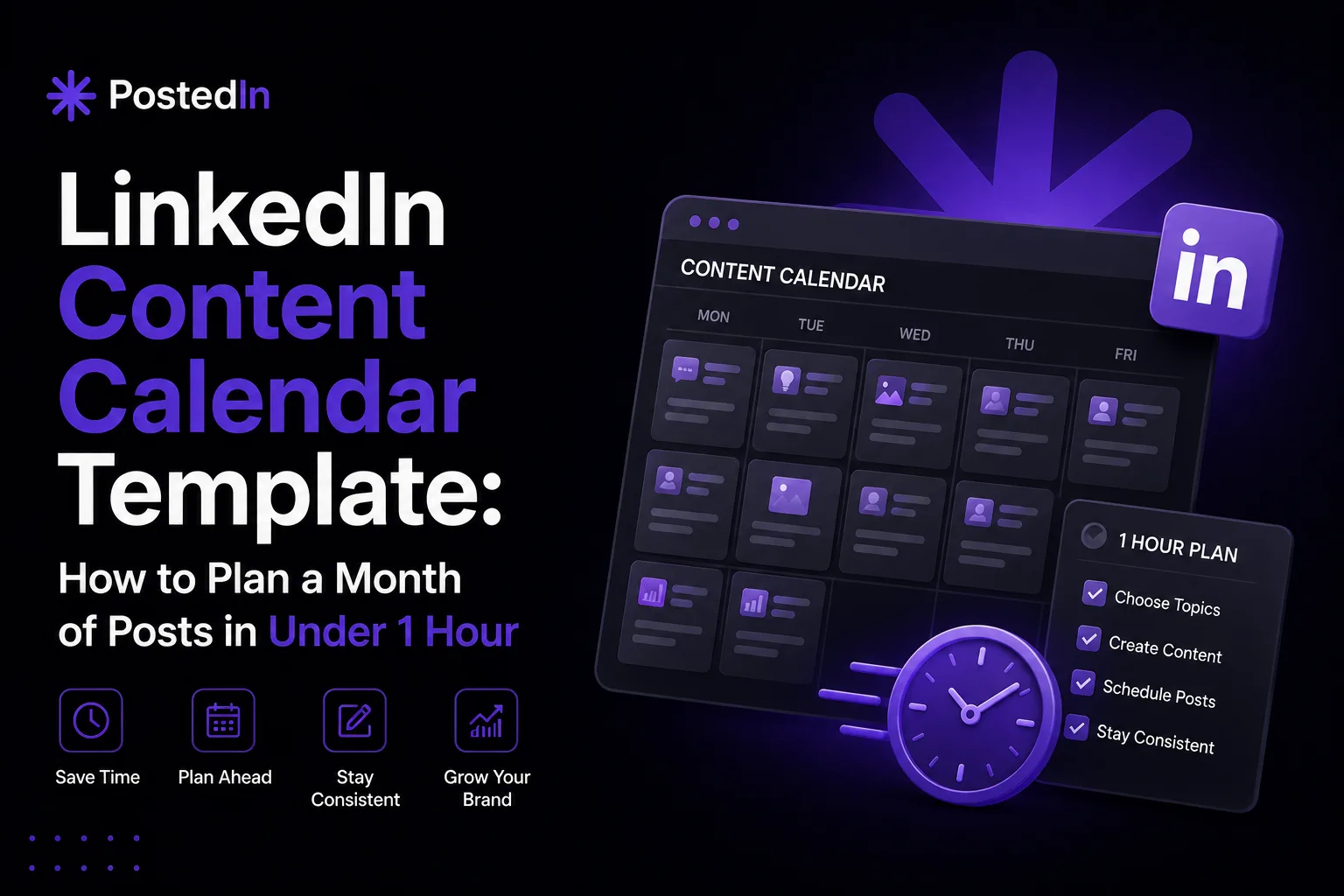
LinkedIn Content Calendar Template: How to Plan a Month of Posts in Under 1 Hour
If you've ever sat down to write a LinkedIn post and stared at a blank screen for ten minutes before giving up, the problem usually isn't a lack of ideas — it's a lack of system. Without a plan, every posting day becomes a small crisis: what do I write about, what format should it be, do I have anything to say today? A content calendar fixes that. Instead of deciding what to post every single day, you make those decisions once a month, in a single focused session. This guide walks you through how to build a simple LinkedIn content calendar and fill an entire month with posts in under an hour.
Why a Content Calendar Changes Everything
The biggest barrier to consistency on LinkedIn isn't motivation — it's decision fatigue. Every time you have to figure out what to post from scratch, you're spending mental energy that should go into actually writing. A content calendar separates two tasks that don't belong together: deciding what to post, and actually writing the post. When you batch the planning step, the writing step becomes much faster, because you already know the topic, format, and goal of each post before you sit down to write it. This also makes it much easier to maintain a healthy mix of content — instead of posting five "thought leadership" pieces in a row because that's what came to mind, you can deliberately balance authority-building posts, engagement posts, and proof/results posts across the month.
Step 1: Pick Your Posting Frequency (5 minutes)
Before anything else, decide how often you'll realistically post. Consistency matters more than volume — three posts a week, every week, will outperform seven posts one week and zero the next. A good starting point for most professionals:
- 3 posts per week for founders, marketers, and consultants balancing content with a full-time role
- 4-5 posts per week for recruiters or personal brands actively focused on LinkedIn growth
- 1-2 posts per week if you're just getting started and want to build the habit first
For a month, this typically means somewhere between 12 and 20 posts. That sounds like a lot, but with a calendar, it's manageable.
Step 2: Assign a Content Type to Each Day (10 minutes)
Rather than leaving each post completely open-ended, assign a content "type" to each posting slot. This removes the guesswork later. A simple weekly rotation could look like:
- Monday – Authority post: A framework, opinion, or lesson learned (see ideas like sharing a mistake, debunking a myth, or breaking down a process)
- Wednesday – Proof/results post: A case study, milestone, or before-and-after
- Friday – Engagement post: A question, poll, or "fill in the blank" prompt
This rotation gives your audience variety while giving you a clear starting point every time you sit down to write. If you post more often, add a second authority slot or a personal/behind-the-scenes post.
Step 3: Fill in Topics Using a Brain Dump (20 minutes)
This is the core of the process. Set a timer for 20 minutes and write down every topic, story, opinion, or result you could turn into a post — without worrying about which day it goes on yet. To make this easier, work through these prompts:
- What's something you learned or got wrong in the last month?
- What's a question you've been asked recently by a client, candidate, or customer?
- What's a result, milestone, or small win you haven't talked about yet?
- What's an opinion you have about a tool, trend, or "best practice" in your industry?
- What's something you're currently working on that people might be curious about?
If you've already got a list of post ideas (like a "30 ideas" list), this step becomes even faster — you're just picking which ones fit your content types and slotting them into specific days. By the end of this step, you should have 15-25 rough topic ideas — more than enough for a month, with a few spares for when something changes.
Step 4: Slot Topics Into Your Calendar (10 minutes)
Now take your brain-dumped topics and assign them to specific days based on the content type you set in Step 2. A few things to keep in mind:
- Don't overthink the order. The goal is to have something assigned to each slot, not to create a perfectly sequenced narrative arc.
- Group related topics into mini-series. If you have three ideas related to the same project or theme, spread them across the month rather than posting them back-to-back — this gives you natural follow-up content.
- Leave 1-2 slots open. Something timely will come up during the month — industry news, a sudden result, a conversation that sparks an idea. Open slots let you stay flexible without breaking your schedule.
At this point, you should have a full month mapped out: a date, a content type, and a topic for each post.
Step 5: Write Headlines or Hooks in Advance (15 minutes)
You don't need to write full posts in this session — but writing just the first line or hook for each post makes the actual writing dramatically faster later. A strong hook does most of the work of getting someone to read further, and deciding on it in advance means you're not starting from zero on posting day. For each topic in your calendar, jot down:
- One sentence that could open the post (a question, a bold statement, or a specific result)
- A one-line note on the angle or takeaway you want to land on
This turns "write a post about X" into "expand this hook into a full post," which is a much smaller, faster task.
A Simple Monthly Calendar Structure
Here's what a finished calendar might look like for someone posting three times a week:
| Week | Monday (Authority) | Wednesday (Proof) | Friday (Engagement) |
|---|---|---|---|
| 1 | Lesson from a recent mistake | Case study: client result | Poll on a current debate |
| 2 | Framework breakdown | Before/after metric | "Fill in the blank" prompt |
| 3 | Industry myth debunked | Milestone recap | Question to audience |
| 4 | Prediction/hot take | Testimonial + context | Two approaches, ask which is better |
You can adapt the columns and frequency to your own rhythm — the structure matters more than the exact labels.
Keeping the Calendar Going Month to Month
The first month takes the most effort because you're building the system. After that, maintaining it gets faster:
- Recycle the rotation, not the topics. The Monday/Wednesday/Friday structure stays the same; only the topics change each month.
- Track what worked. Note which posts got the most engagement and which content types resonate most with your audience — use this to adjust your mix over time.
- Keep a running "ideas" list. Whenever a topic occurs to you outside of your planning session, add it to a running list so your next brain dump takes even less time.
Making the Process Even Faster
Building a calendar manually with a spreadsheet or notes app works fine, but it can become tedious to manage as you scale up posting frequency or manage content for multiple people. Tools designed specifically for LinkedIn — like PostedIn — combine post idea generation, a content calendar, and scheduling in one place, so you can plan, write, and queue up a month of posts without switching between five different apps. If you're already working from a list of post ideas, the next logical step is exactly this: turning that list into a calendar, and the calendar into scheduled posts that go out automatically on the days you've planned.
Final Thoughts
A content calendar isn't about rigid planning or losing spontaneity — it's about removing the daily decision of "what do I post today" so you can focus on writing well instead of writing something. Spend one focused hour at the start of the month, and you'll spend the rest of the month simply executing a plan you've already made.
Powiązane artykuły
Jak tworzyć miesiąc treści na LinkedIn w jeden dzień?
Brakuje Ci czasu na regularne publikowanie na LinkedIn? Zobacz, jak zaplanować i przygotować miesiąc treści w jeden dzień dzięki c...
Jak promować startup na LinkedIn?
LinkedIn może być jednym z najskuteczniejszych kanałów promocji startupu. Zobacz, jak budować zainteresowanie produktem, zdobywać...
Jak skutecznie szukać pracy przez LinkedIn w 2026 roku
Większość kandydatów używa LinkedIn jak job boarda i czeka. To błąd. Sprawdź, jak podejść do szukania pracy strategicznie — od opt...